When [ File Format] is set to [MP4]
Movies are recorded in the MPEG-4 format, at approximately 60 frames/sec (for 1080 60i-
compatible devices), approximately 50 frames/sec (for 1080 50i-compatible devices),
approximately 30 frames/sec (for 1080 60i-compatible devices), or approximately 25 frames/sec
(for 1080 50i-compatible devices), in progressive mode with AAC audio and in the MP4 format.
Note
Movies recorded with the [60p 28M(PS) ]/[50p 28M(PS) ]/[60i 24M(FX) ]/[50i 24M(FX)
]/[24p 24M(FX) ]/[25p 24M(FX) ] as the [ Record Setting] are converted by
PlayMemories Home in order to create an AVCHD recording disc. You cannot create a disc in the
original image quality. This conversion can take a long time. If you want to keep the original image
quality, store your movies on a Blu-ray Disc.
To play back 60p/50p/24p/25p movies on a TV, the TV must be compatible with the 60p/50p/24p/25p
format. If the TV is not compatible with the 60p/50p/24p/25p format, 60p/50p/24p/25p movies will be
output as 60i/50i movies.
[120p]/[100p] cannot be selected for the following settings.
[Intelligent Auto]
[Superior Auto]
[Scene Selection]
The angle of view will be narrower under the following conditions:
When [
File Format] is set to [XAVC S HD] and [ Record Setting] is set to [120p]/[100p]
When [
File Format] is set to [XAVC S 4K] and [ Record Setting] is set to [30p]/[25p]
During slow-motion/quick-motion shooting
[340] List of MENU items Camera Settings2
S&Q Settings
You can record a moment that cannot be captured by the naked eye (slow-motion recording), or
record a long-term phenomenon into a compressed movie (quick-motion recording). For
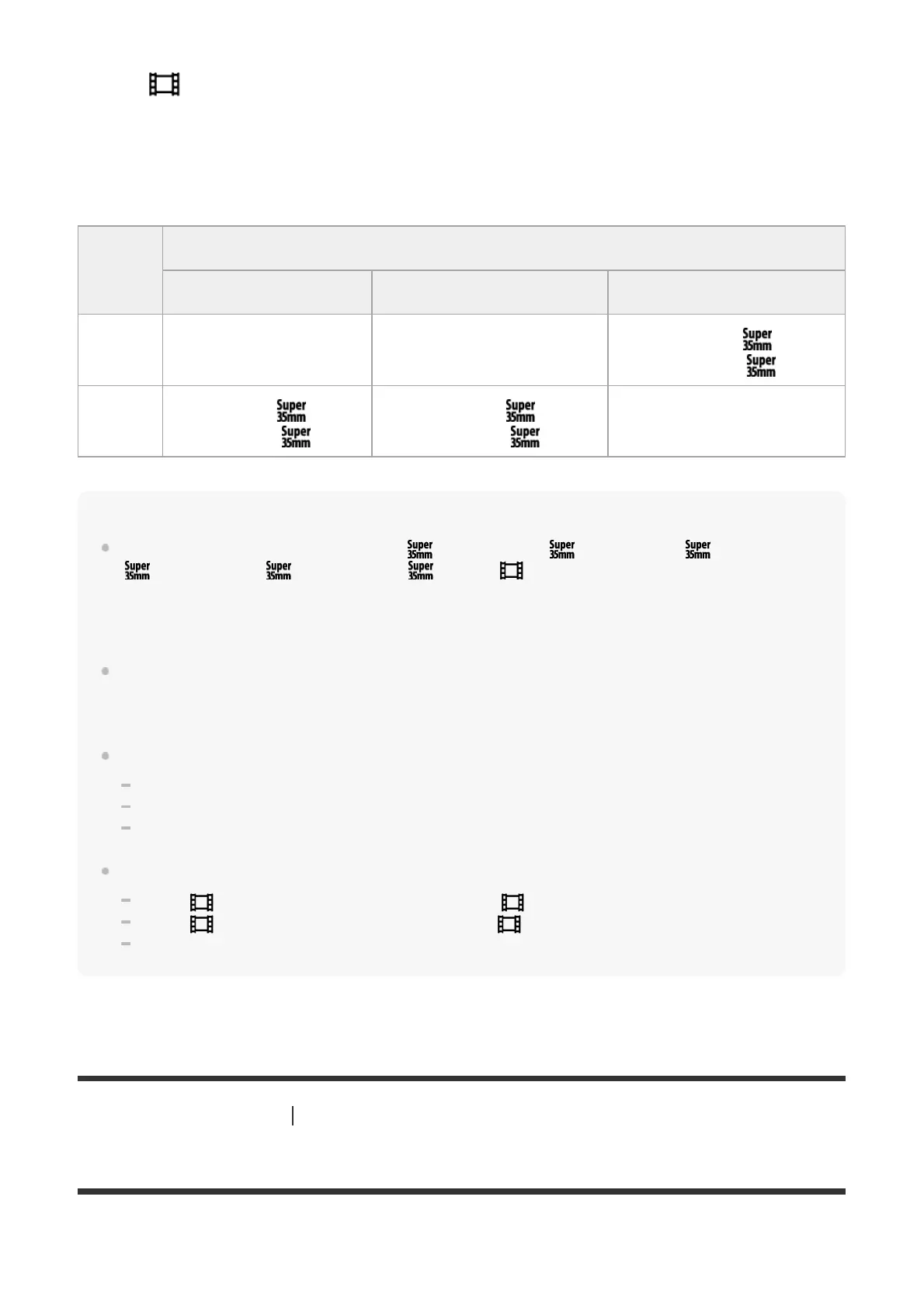
Frame
Rate
Bit-rate
6 Mbps 16 Mbps 28 Mbps
60p/50p ― ―
1080/60p 28M
/1080/50p 28M
30p/25p
720/30p 6M
/720/25p 6M
1080/30p 16M
/1080/25p 16M
―



 To Next Page