Sets the sound volume for movie playback.
Adjusting the volume during playback
Press the bottom side of the control wheel while playing back movies to display the operation
panel, then adjust the volume. You can adjust the volume while listening to the actual sound.
[405] List of MENU items
Setup
Upload Settings (Eye-Fi)
Sets whether to use the upload function when using an Eye-Fi card (commercially available).
This item appears when an Eye-Fi card is inserted into the product’s memory card slot.
Menu item details
On:
Enables the upload function.
Off:
Disables the upload function.
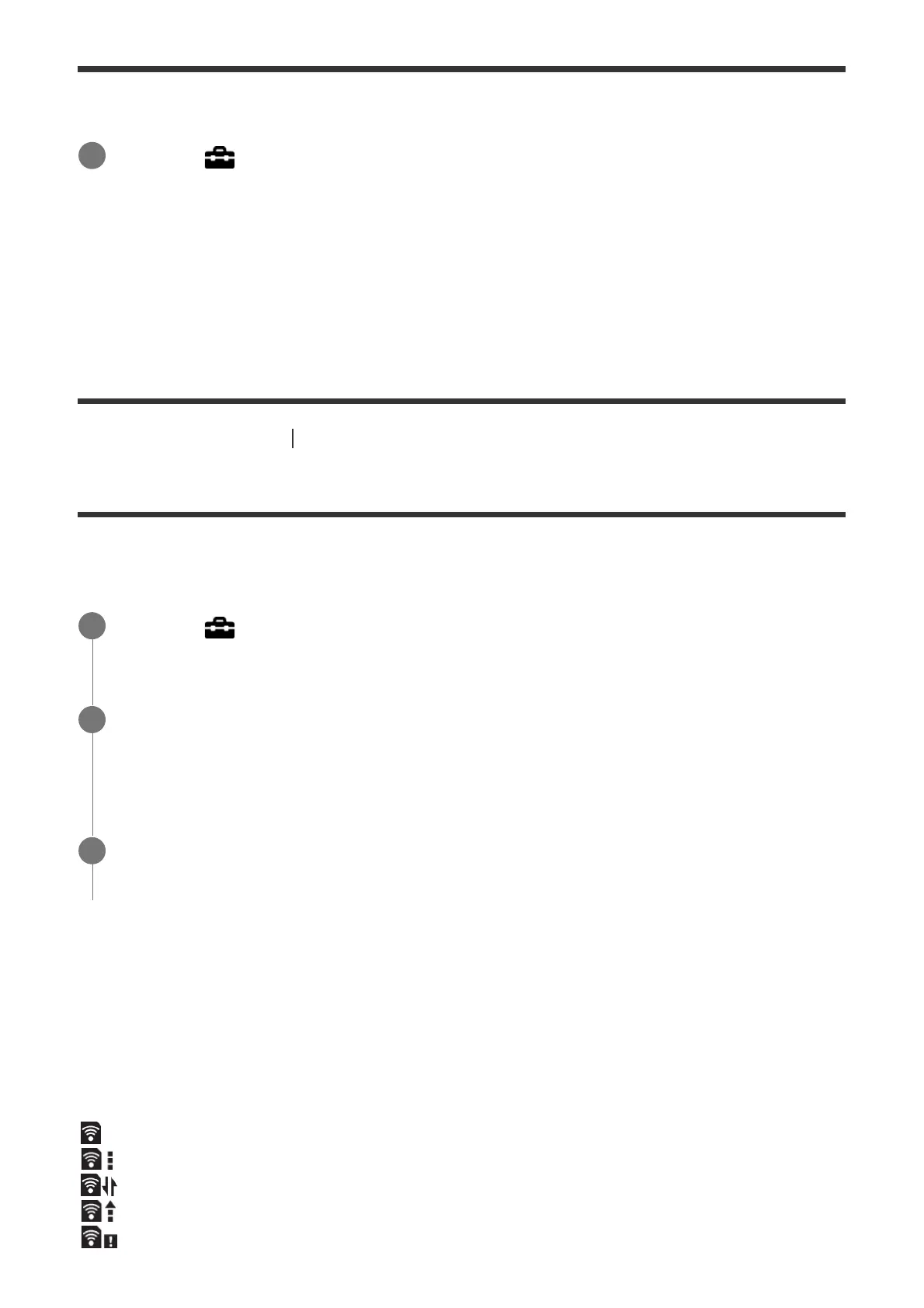
Communication status screen display
: Standby. No images are to be sent.
: Upload standby
: Connecting
: Uploading
: Error
MENU →
(Setup) → [Volume Settings] → desired setting.
1
MENU →
(Setup) → [Upload Settings] → desired setting.
1
Set your Wi-Fi network or destination on the Eye-Fi card.
For details, refer to the manual supplied with the Eye-Fi card.
2
Insert the Eye-Fi card you have set up into the product, and shoot still images.
Images are transferred to your computer, etc., automatically via the Wi-Fi network.
3



 To Next Page