[423] List of MENU items Setup
HDMI Settings: REC Control (movie)
If you connect the camera to an external recorder/player, you can remotely command the
recorder/player to start/stop recording using the camera.
Menu item details
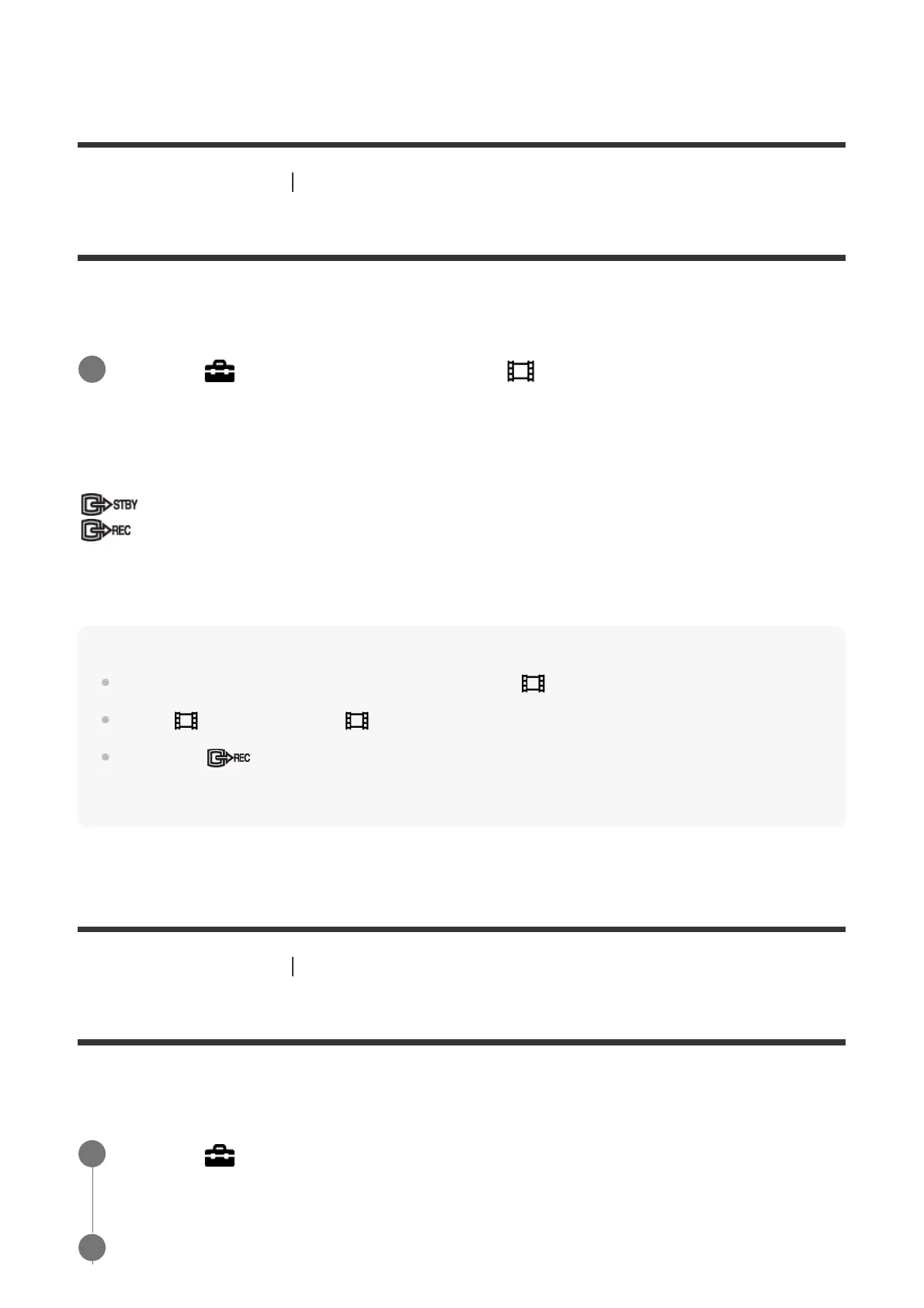
On:
The camera can send a recording command to an external recorder/player.
The camera is sending a recording command to an external recorder/player.
Off:
The camera is not able to send a command to an external recorder/player to start/stop
recording.
Note
Available for external recorders/players compatible with [ REC Control].
When [
TC Output] is [Off], [ REC Control] is set to [Off].
Even when
is displayed, the external recorder/player may not work properly depending on the
settings or status of the recorder/player. Check if the external recorder/player works properly before
use.
[424] List of MENU items Setup
HDMI Settings: CTRL FOR HDMI
When connecting this product to a “BRAVIA” Sync-compatible TV using an HDMI cable (sold
separately), you can operate this product by aiming the TV remote control at the TV.
MENU →
(Setup) → [HDMI Settings] → [ REC Control] → desired setting.
1
MENU →
(Setup) → [HDMI Settings] → [CTRL FOR HDMI] → desired setting.
1
Connect this product to a “BRAVIA” Sync-compatible TV.
2



 To Next Page