[63] Shooting Selecting a drive mode (Continuous shooting/Self-timer)
WB bracket
Shoots a total of three images, each with different color tones according to the selected settings
for white balance, color temperature and color filter.
Menu item details
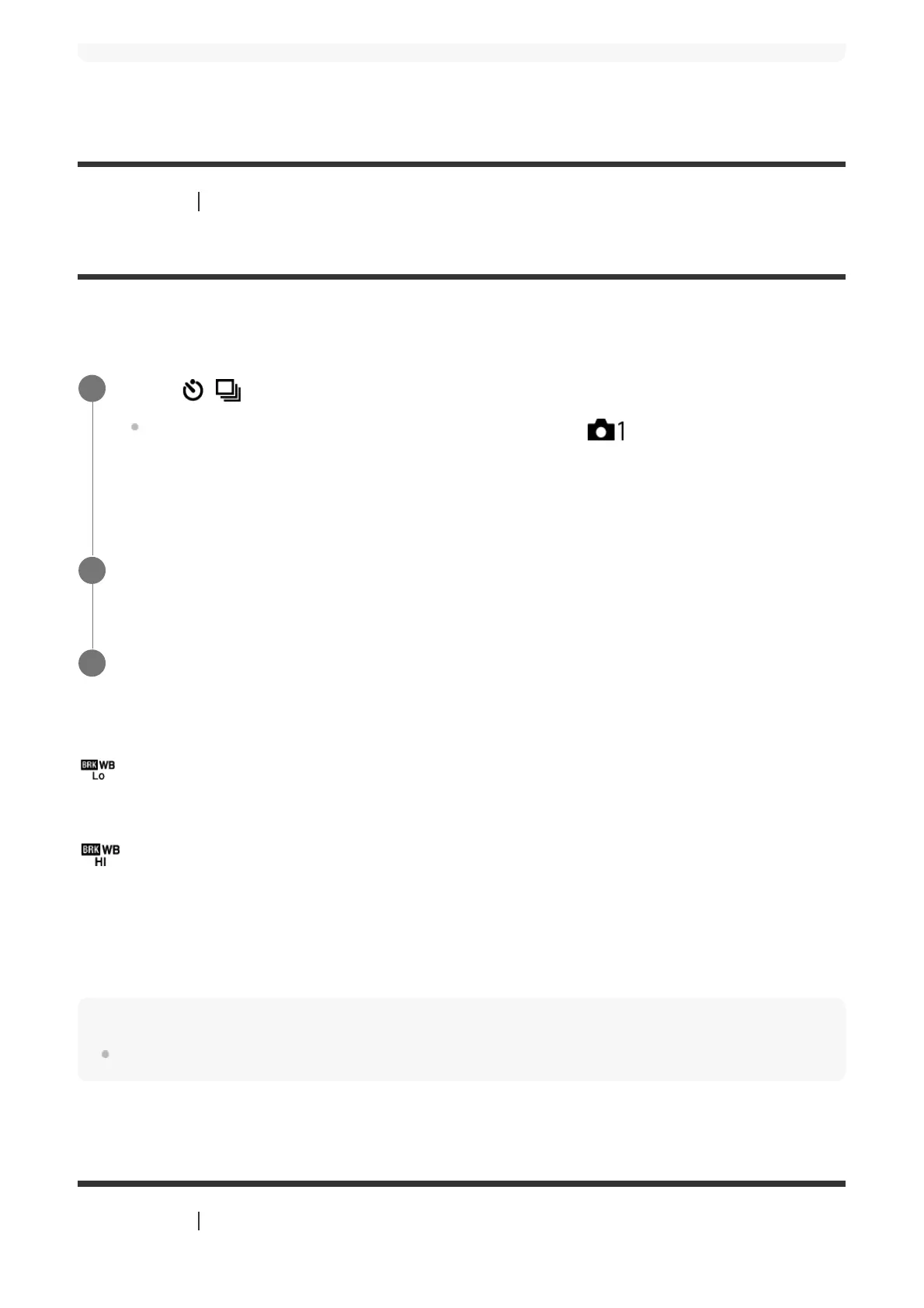
White Balance Bracket: Lo:
Records a series of three images with small changes in the white balance (within the range of
10MK
-1*
).
White Balance Bracket: Hi:
Records a series of three images with large changes in the white balance (within the range of
20MK
-1*
).
*
MK
-1
is the unit that indicates the capability of color temperature conversion filters and
indicates the same value as "mired."
Note
The last shot is shown on the auto review.
[64] Shooting Selecting a drive mode (Continuous shooting/Self-timer)
Select / (Drive Mode) of the control wheel → [WB bracket].
You can also set the drive mode by selecting MENU→
(Camera Settings1) →
[Drive Mode].
1
Select the desired mode using the right/left side of the control wheel.
2
Adjust the focus and shoot the image.
3



 To Next Page