EasyManua.ls Logo

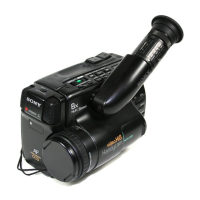
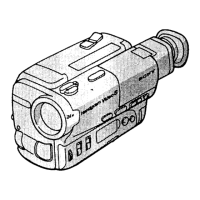
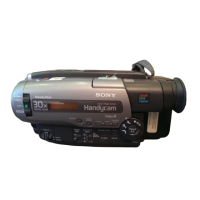
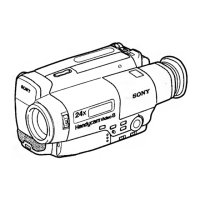
Sony CCD-TR814 - Identifying the Parts

Sony CCD-TR814
56 pages
Print Icon
To Next Page IconTo Next Page
To Previous Page IconTo Previous Page
Loading...
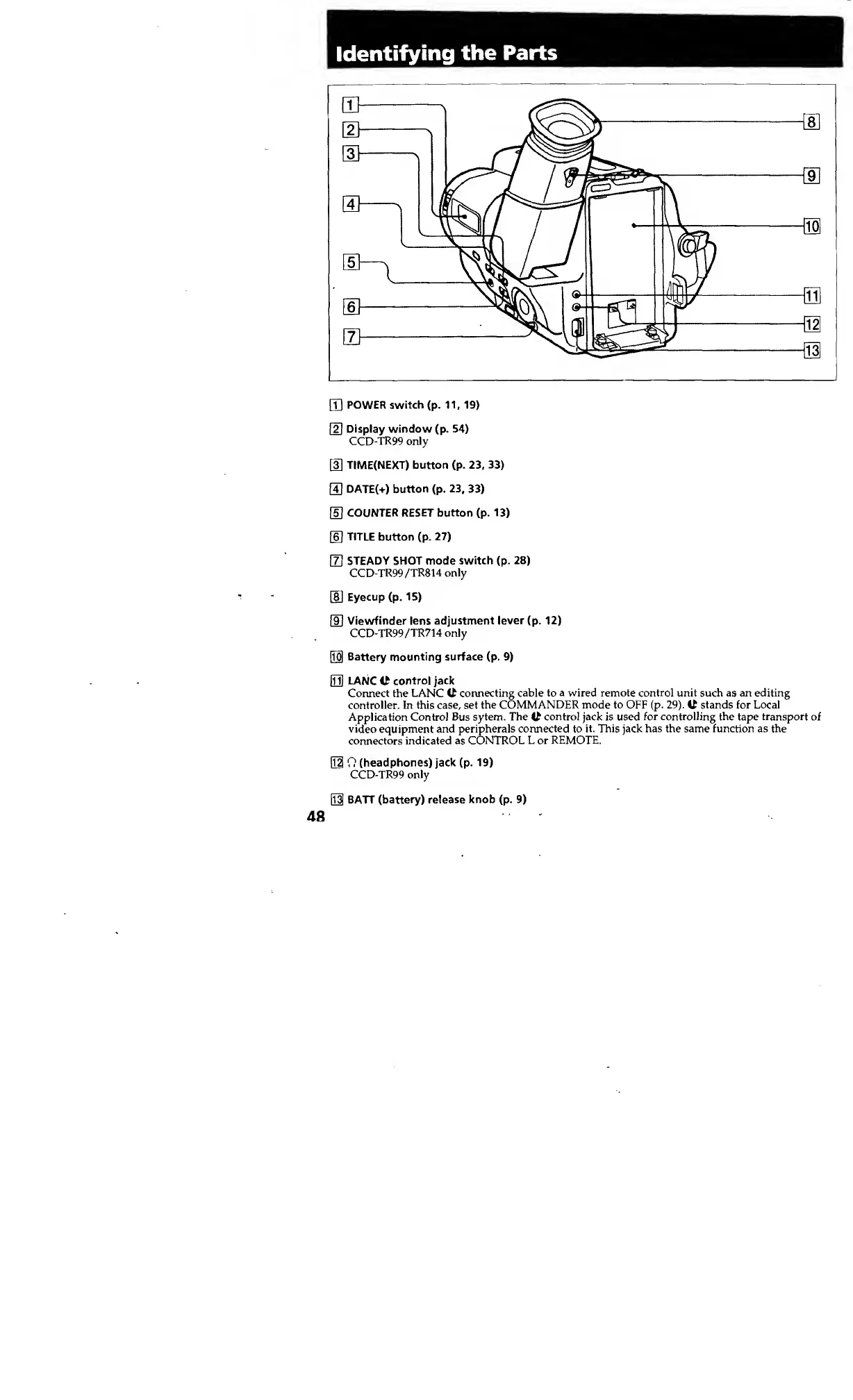
Identifying
the
Parts
CD
POWER
switch
(p.
11,
19)
\2\
Display
window
(p.
54)
CCD-TR99
only
[3]
TIME(NEXT)
button
(p.
23,
33)
H
DATE(+)
button
(p.
23,
33)
[5]
COUNTER
RESET
button
(p.
13)
06
]
TITLE
button
(p.
27)
m
STEADY
SHOT
mode
switch
(p.
28)
CCD-TR99/TR814
only
SI
Eyecup
(p.
15)
[9]
Viewfinder
lens
adjustment
lever
(p.
12)
CCD-TR99/TR714
only
[jo]
Battery
mounting
surface
(p.
9)
01]
LANC
U
control
jack
Connect
the
LANC
C
connecting
cable
to
a
wired
remote
control
unit
such
as
an
editing
controller.
In
this
case,
set
the
COMMANDER
mode
to
OFF
(p.
29).
C
stands
for
Local
Application
Control
Bus
sytem.
The
C
control
jack
is
used
for
controlling
the
tape
transport
of
video
equipment
and
peripherals
connected
to
it.
This
jack
has
the
same
function
as
the
connectors
indicated
as
CONTROL
L
or
REMOTE.
01
0
(headphones)
jack
(p.
19)
CCD-TR99
only
01
BATT
(battery)
release
knob
(p.
9)
48