|
Adding effects to an image
The characters are input in the font displayed next to "FONT" and the color
displayed next to "COLOR". To apply different font or color to the characters,
select "FONT" or "COLOR" and then press ENTER. Tho font or color selection
screen is displayed. Select the desired font or color and then pros ENTER to return
to the character input screen.
5
• TO delete a character before the cursor (I) in the input box
Select "BS" and then press ENTER. Each time you press ENTER, a character
before the cursor is deleted.
• TO insert a character in the input characters
Select "_" or "*" on the screen and then press ENTER repeatedly until the
cursor ( I) moves to the position where you want to insert a character.
m
You cannot apply difforent colors or fonts to a singlo line.
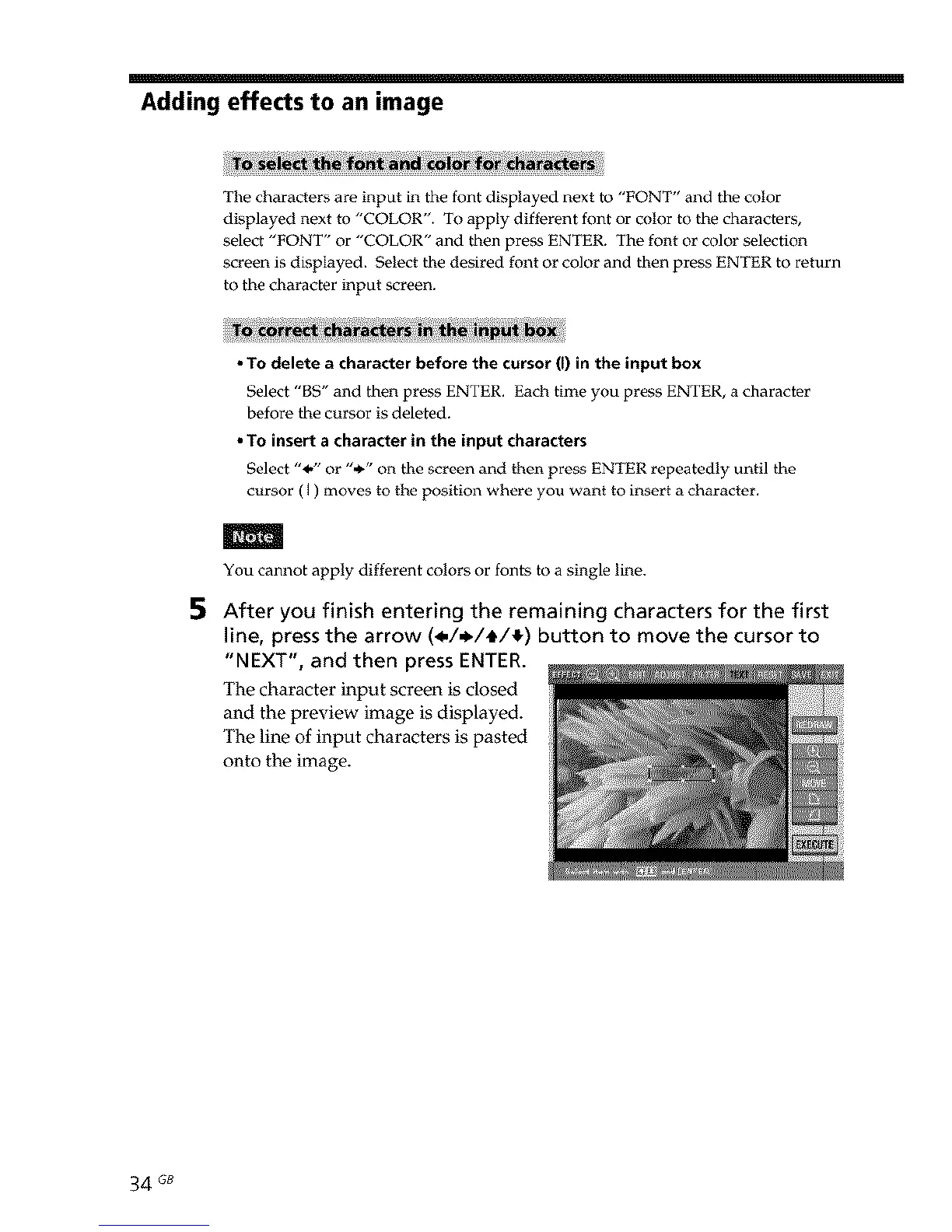
After you finish entering the remaining characters for the first
line, press the arrow (_././_/I_) button to move the cursor to
"NEXT", and then press ENTER.
The character input screen is closed
and the preview image is displayed.
The line of input characters is pasted
onto the image.
34 GB



 To Next Page