The TEXT sub menu allows you to enter and overlay characters on an image.
Characters are input one line by one.
1 Select an image to be edited in the image list or press PICTURE
to display the preview of an image to be edited.
2 Press EFFECT.
The EFFECT menu bar is displayed (page 27).
Press the arrow (_,/*) button to select "TEXT" and then press
ENTER.
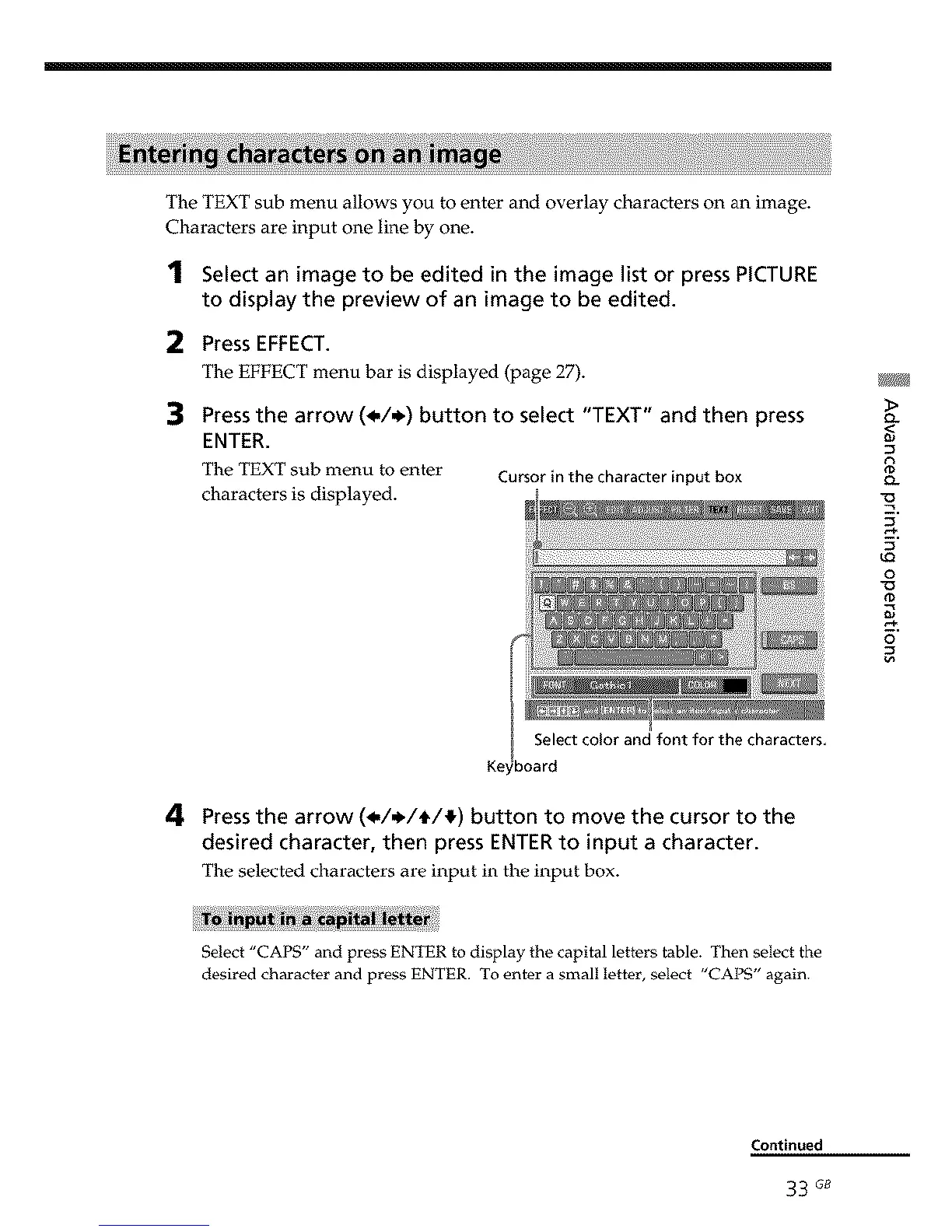
The TEXT sub menu to enter Cursor in the character input box
characters is displayed.
<
9.
u_
o
_D
o
4 Press the arrow (_././tt/!_) button to move the cursor to the
desired character, then press ENTER to input a character.
The selected characters are input in the input box.
Select "CAPS" and press ENTER to display the capital letters table. Then select the
desired character and press ENTER. To enter a small letter, select "CAPS" again.
Continued
33 G8



 To Next Page