Adding effects to an image
The FILTER sub menu allows you to add a special effect to an image to print in
monochrome, paint, or sepia tone.
1 Select an image to be edited in the image list or press PICTURE
to display the preview of an image to be edited.
2 Press EFFECT.
The EFFECT menu bar is displayed (page 27).
3 Pressthe arrow (_,/_) button to select "FILTER" and then press
ENTER.
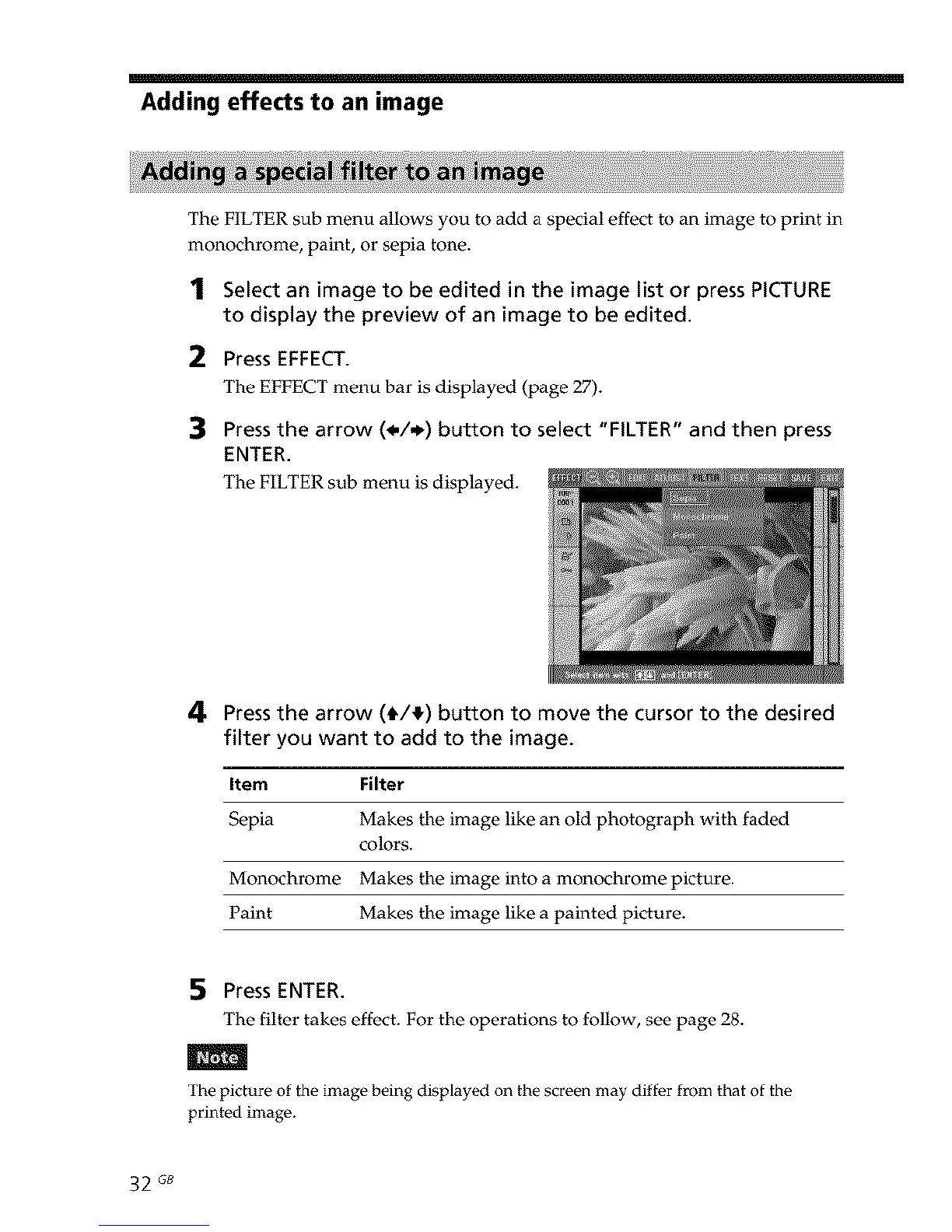
The FILTER sub menu is displayed.
4 Pressthe arrow (_/_) button to move the cursor to the desired
filter you want to add to the image.
Item Filter
Sepia Makes the image like an old photograph with faded
colors.
Monochrome Makes the image into a monochrome picture.
Paint Makes the image like a painted picture.
5 Press ENTER.
The filter takes effect. For the operations to follow, see page 28.
The picture of the image being displayed on the screen may differ from that of the
printed image.
32 GB



 To Next Page