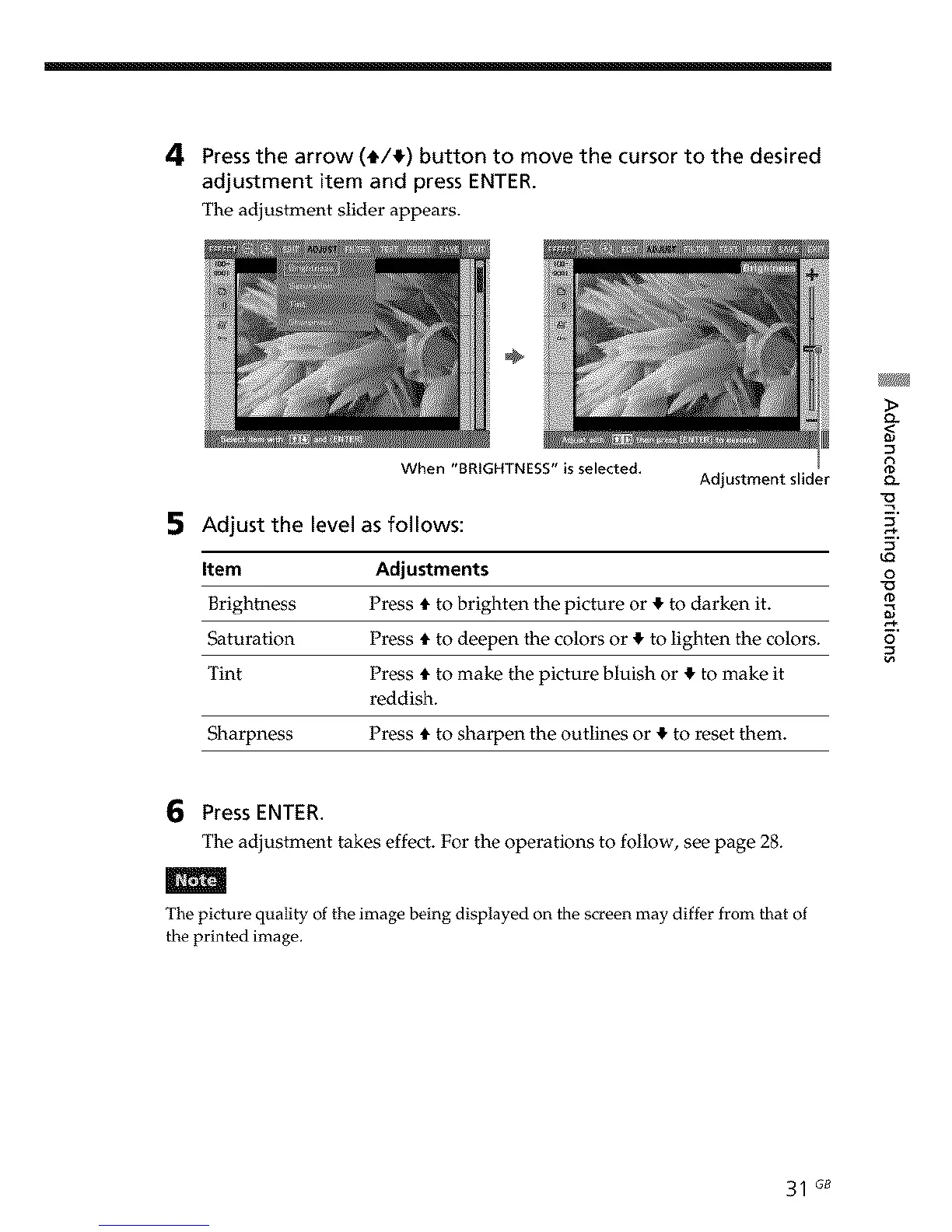
4 Pressthearrow(i/!) buttonto movethecursorto the desired
adjustmentitemandpressENTER.
The adjustment slider appears.
÷
When "BRIGHTNESS" is selected.
5 Adjust the level as follows:
i
Adjustment slider
Item Adjustments
Brightness Press t to brighten the picture or ! to darken it.
Saturation Press t to deepen the colors or ! to lighten the colors.
Tint Pros t to make the picture bluish or ! to make it
reddish.
Sharpness Press t to sharpen the outlines or ! to reset them.
Q.
<
Q.
9
u_
o
_D
o
6 Press ENTER.
The adjustment takes effect. For the operations to follow, see page 28.
The picture quality of the image being displayed on the screen may differ from that of
the printed image.
31 G8



 To Next Page