Adding effects to an image
4 Pressthe arrow (t/!) button to move the cursor to the desired
item on the EDIT sub menu and press ENTER.
Item Procedures
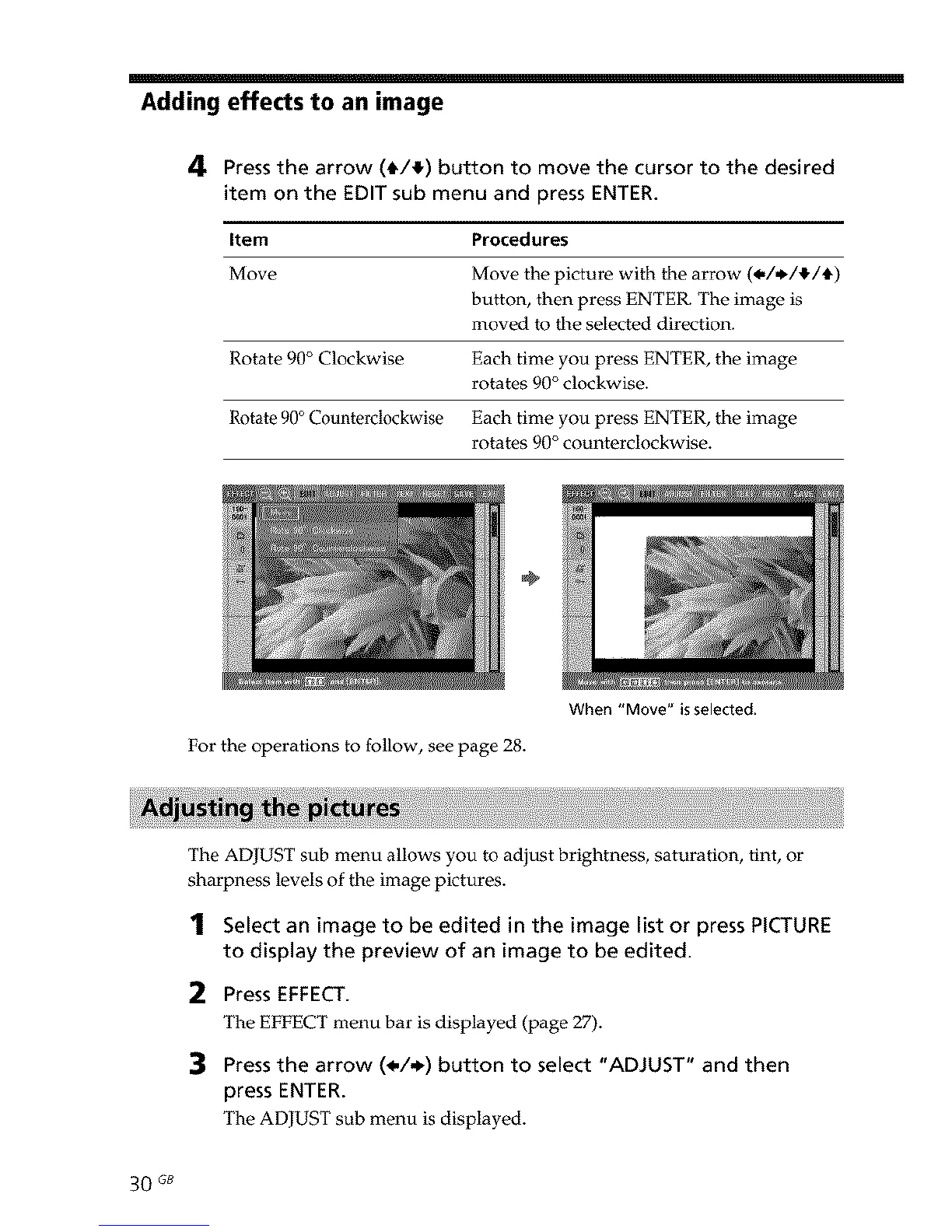
Move Move the picture with the arrow (*/*/!/t)
button, then press ENTER. The image is
moved to the selected direction.
Rotate 90 ° Clockwise Each time you press ENTER, the image
rotates 90 ° clockwise.
Rotate 90° Counterclockwise Each time you press ENTER, the image
rotates 90 ° counterclockwise.
÷
For the operations to follow, see page 28.
When "Move" is selected.
The ADJUST sub menu allows you to adjust brightness, saturation, tint, or
sharpness levels of the image pictures.
1 Select an image to be edited in the image list or press PICTURE
to display the preview of an image to be edited.
2 Press EFFECT.
The EFFECT menu bar is displayed (page 27).
3 Pressthe arrow (_,/_) button to select "ADJUST" and then
press ENTER.
The ADJUST sub menu is displayed.
30 GB



 To Next Page