1 Select an image to be edited in the image list or press PICTURE
to display the preview of an image to be edited.
2 Press EFFECT.
The EFFECT menu bar is displayed (page 27).
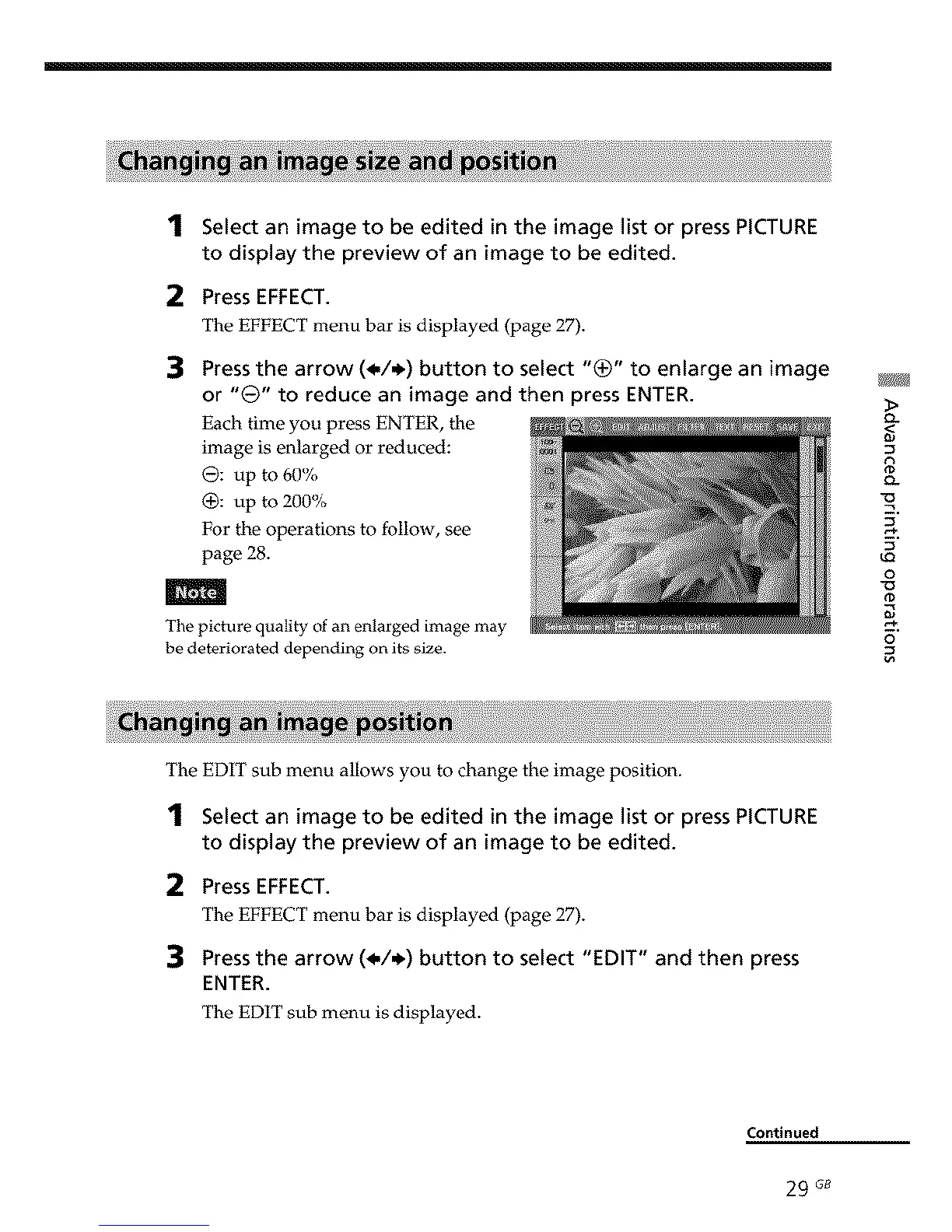
Press the arrow (_,/,_) button to select "(_)" to enlarge an image
or "0" to reduce an image and then press ENTER.
Each time you press ENTER, the
image is enlarged or reduced:
0: up to 60%
(_: up to 200%
For the operations to follow, see
page 28.
The picture quality of an enlarged image may
be deteriorated depending on its size.
>
Q.
<
o_
9
u_
o
_D
o
The EDIT sub menu allows you to change the image position.
1 Select an image to be edited in the image list or press PICTURE
to display the preview of an image to be edited.
2 Press EFFECT.
The EFFECT menu bar is displayed (page 27).
Press the arrow (_,/,_) button to select "EDIT" and then press
ENTER.
The EDIT sub menu is displayed.
Continued
29 G8



 To Next Page