|
Using your printer with Windows computers
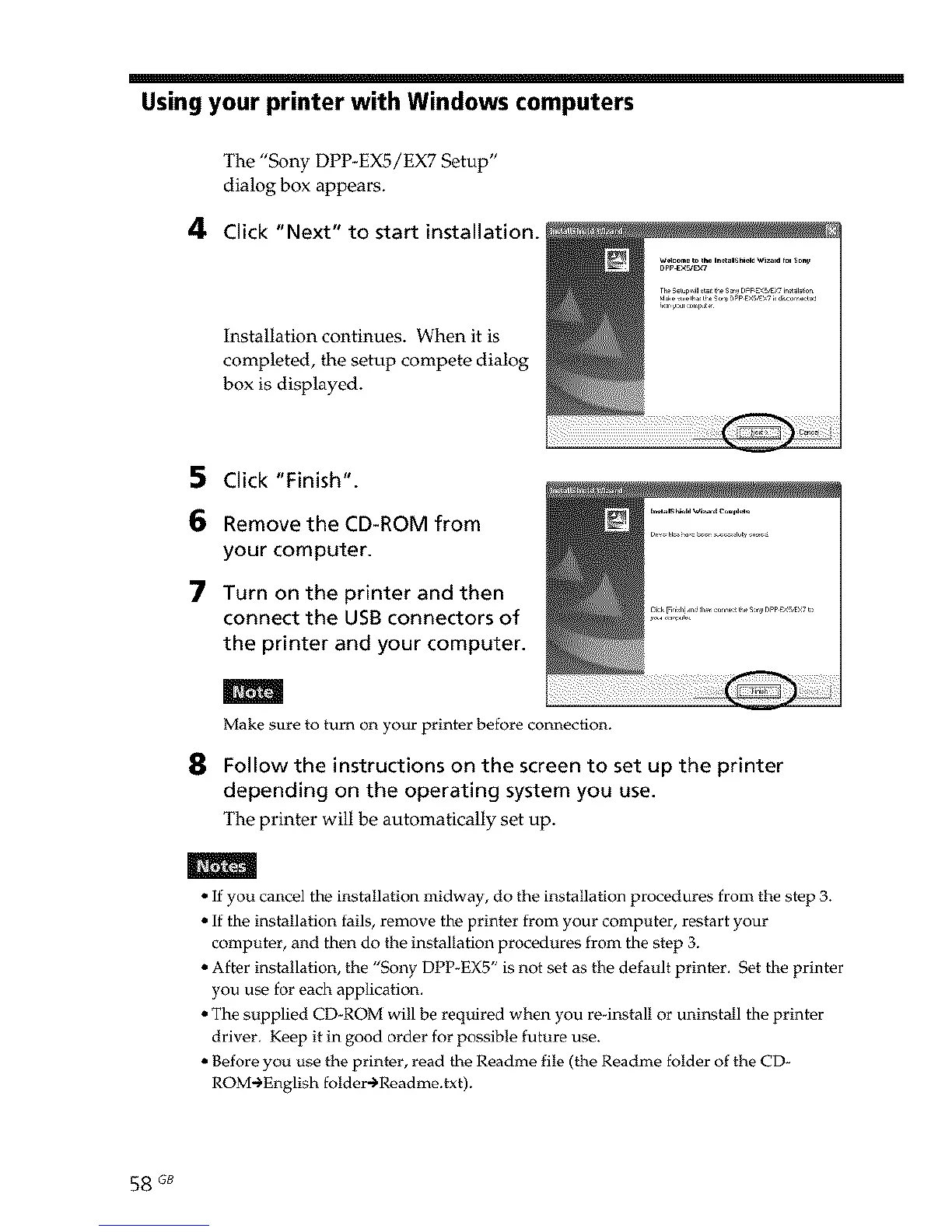
The "Sony DPP-EX5/EX7 Setup"
dialog box appears.
4 Click "Next" to start installation.
Installation continues. When it is
completed, the setup compete dialog
box is displayed.
5 Click "Finish".
6 Remove the CD-ROM from
your computer.
7 Turn on the printer and then
connect the USBconnectors of
the printer and your computer.
m
Make sure to turn on your printer before connection.
8 Follow the instructions on the screen to set up the printer
depending on the operating system you use.
The printer will be automatically set up.
m
• If you cancel the installation midway, do the installation procedures from the step 3.
• If the installation fails, remove the printer from your computer, r_tart your
computer, and then do the installation procedures from the step 3.
• After installation, the "Sony DPP-EX5" is not set as the default printer. Set the printer
you use for each application.
• The supplied CD_ROM will be required when you re-install or uninstall the printer
driver. Keep it in good order for possible future use.
• Before you use the printer, read the Roadme file (the Readme folder of the CD-
ROM-_English folder-_Readme.txt).
58 GB



 To Next Page