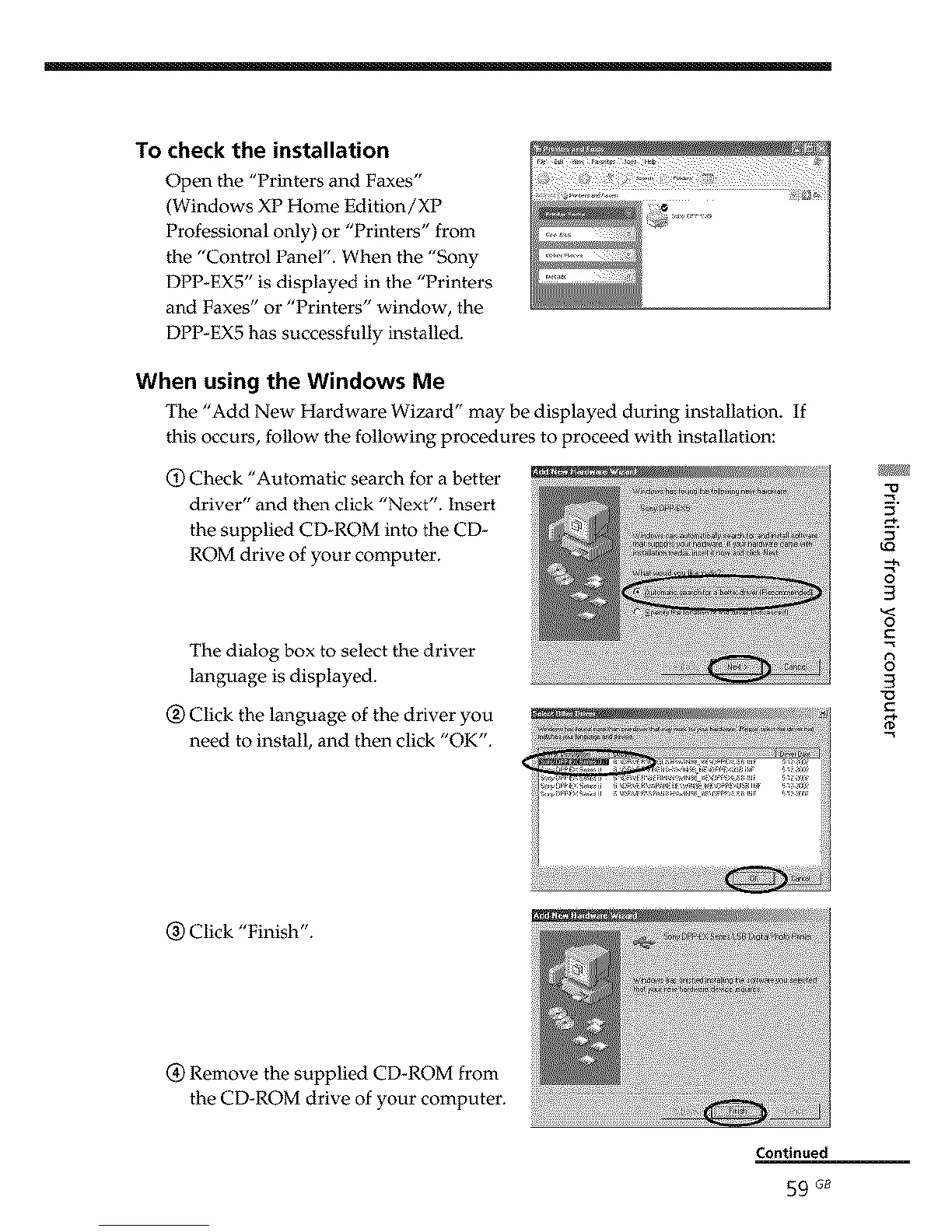
To check the installation
Open the "Printers and Faxes"
(Windows XP Home Edition/XP
Professional only) or "Printers" from
the "Control Panel". When the "Sony
DPP-EX5" is displayed in the "Printers
and Faxes" or "Printers" window, the
DPP-EX5 has successfully installed.
When using the Windows Me
The "Add New Hardware Wizard" may be displayed during installation. If
this occurs, follow the following procedures to proceed with installation:
O Check "Automatic search for a better
driver" and then click "Next". Insert
the supplied CD-ROM into the CD-
ROM drive of your computer.
The dialog box to select the driver
language is displayed.
Q Click the language of the driver you
need to install, and then click "OK".
3
3
o
C
8
3
(_) Click "Finish".
(_ Remove the supplied CD_ROM from
the CD-ROM drive of your computer.
Continued
59 G8



 To Next Page