• Superimposing a stamp
(DPress
<III>
to select
"!!!/
(Stamp), then
press ENTER.
The window for selecting a stamp is
displayed.
®Press
<l/1>1t::.f\1
to select a desired
stamp and press ENTER.
The window used for adjusting the
stamp is displayed. For how to adjust an
image, see step 5 on page 27.
@Press
<III>
to select mand press
ENTER.
The preview
of
the superimposed stamp
on the background image is displayed.
To add mUltiple stamps
Repeat steps ® through @
4 Press PRINT.
To save the image, see page 25.
To superimpose multiple
handwritten characters or preset
messages
Press
<III>
to select
I§;)
(Handwritten
message)
or
[IJ (Standard format
message) and repeat step 3.
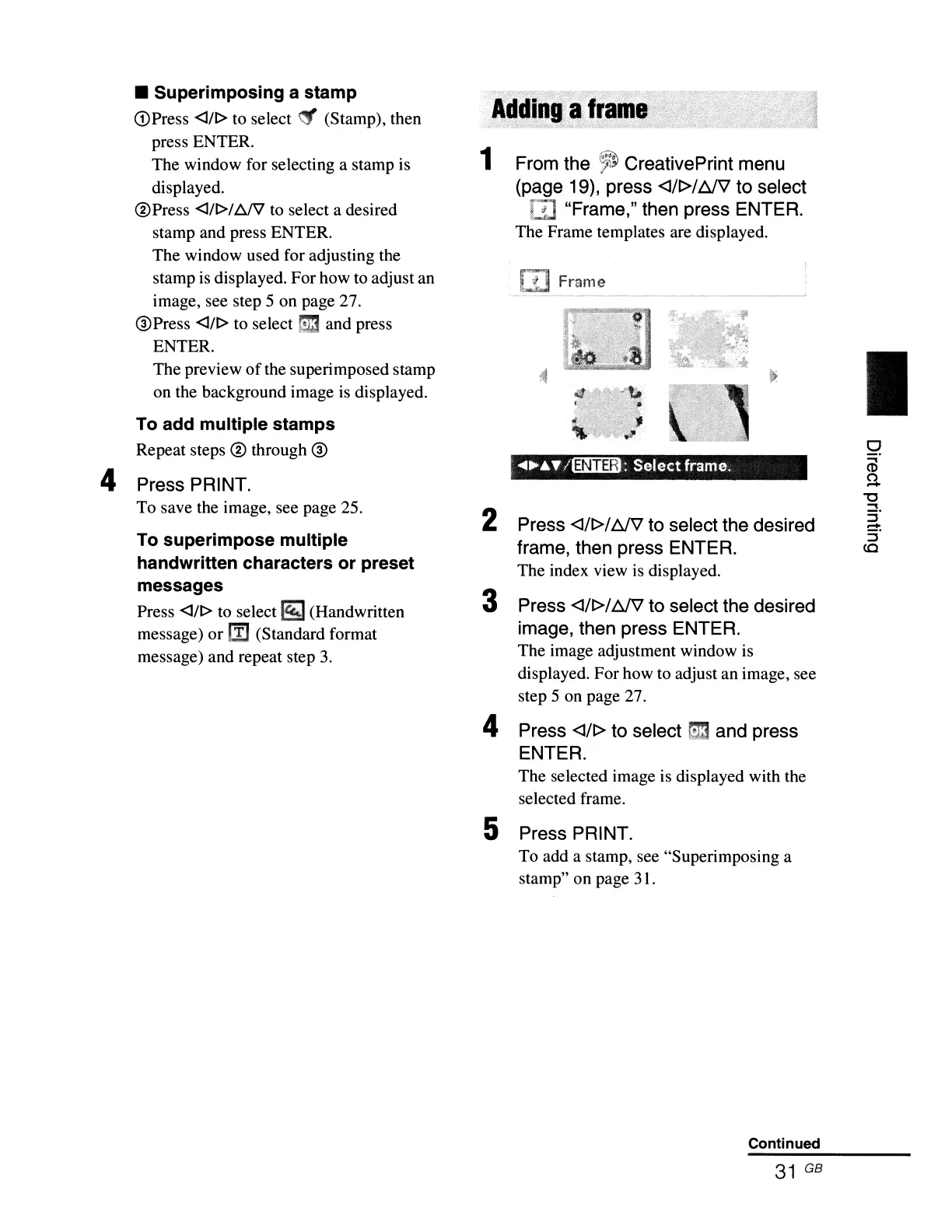
1 From the
~}
CreativePrint menu
(page 19), press
<I/t>/tJV to select
rn
"Frame," then press ENTER.
The Frame templates are displayed.
........
/l3IiiiB:
Selectframe.
2 Press
<l/t>1
tJV
to select the desired
frame, then press ENTER.
The index view is displayed.
3 Press
<I/t>1
tJV
to select the desired
image, then press ENTER.
The image adjustment window is
displayed. For how to adjust an image, see
step 5 on page 27.
4 Press <lIt> to select mand press
ENTER.
The selected image is displayed with the
selected frame.
5 Press PRINT.
To add a stamp, see "Superimposing a
stamp" on page 31.
Continued
31
GB
I
o
<D
S
"'0
...,
:;-
-
5'
(Q



 To Next Page