Changing
the
Print
setup
1 From the menu, press <l/I> to select
[t>~
(Print setup) and then press
ENTER.
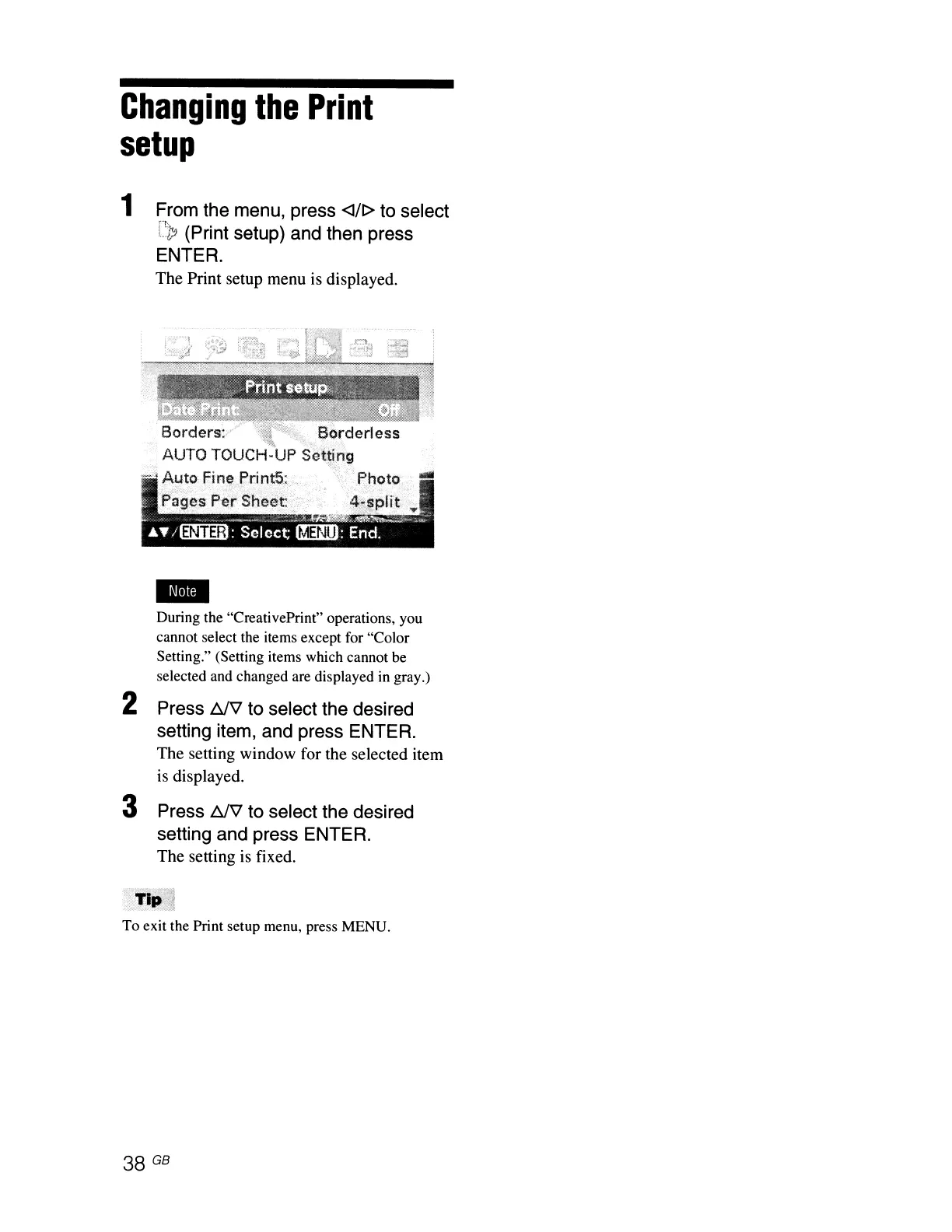
The Print setup menu is displayed.
Borders:
y "
Borderless
AUTO
TOUCH-UP
Se1:~ing
_
..
Au.to
Fine
Print5~
Photo"
.-
Pa~.~s
P~r
Sheet:
During the "CreativePrint" operations, you
cannot select the items except for "Color
Setting." (Setting items which cannot be
selected and changed are displayed
in
gray.)
2 Press 6f'\1 to select the desired
setting item, and press ENTER.
The setting window for the selected item
is displayed.
3 Press 6f'\1 to select the desired
setting and press ENTER.
The setting is fixed.
To exit the Print setup menu, press MENU.
38
GB



 To Next Page