"U
~.
::J
...
S'
co
o
Bluetooth"
Address
00:03:7A:35:D2:F5
~
Save
Mode
Transf,erring<an
]mage~
·m.:mC!!lL~.~~~·;;
.,
..
::/(
When
input
of
Passkey*
is
required
Input
"0000."
You
cannot
change
the Passkey
with
the printer.
* A Passkey is often referred to as a "pass code" or
"PIN code."
1 Insert a memory card into the
appropriate memory card slot of the
printer.
Insert a
memory
card that you
want
to
save
an
image
to be transferred only.
The
Bluetooth
saving
mode
window
is
displayed.
If
any device, other than the Bluetooth adaptor,
such as a memory card, camera, PC,
or
other
USB memory or a USB cable is connected to
any
of
the memory card slots, the PictBridge/
EXT INTERFACE connector,
or
USB
connecter
of
your printer, disconnect it from the
printer and then connect the Bluetooth adaptor.
Print
from
the
Bluetooth-compliant
mobile
phone,
or
other
device.
For
printing procedures,
refer
to the
manual
of
your
Bluetooth
device.
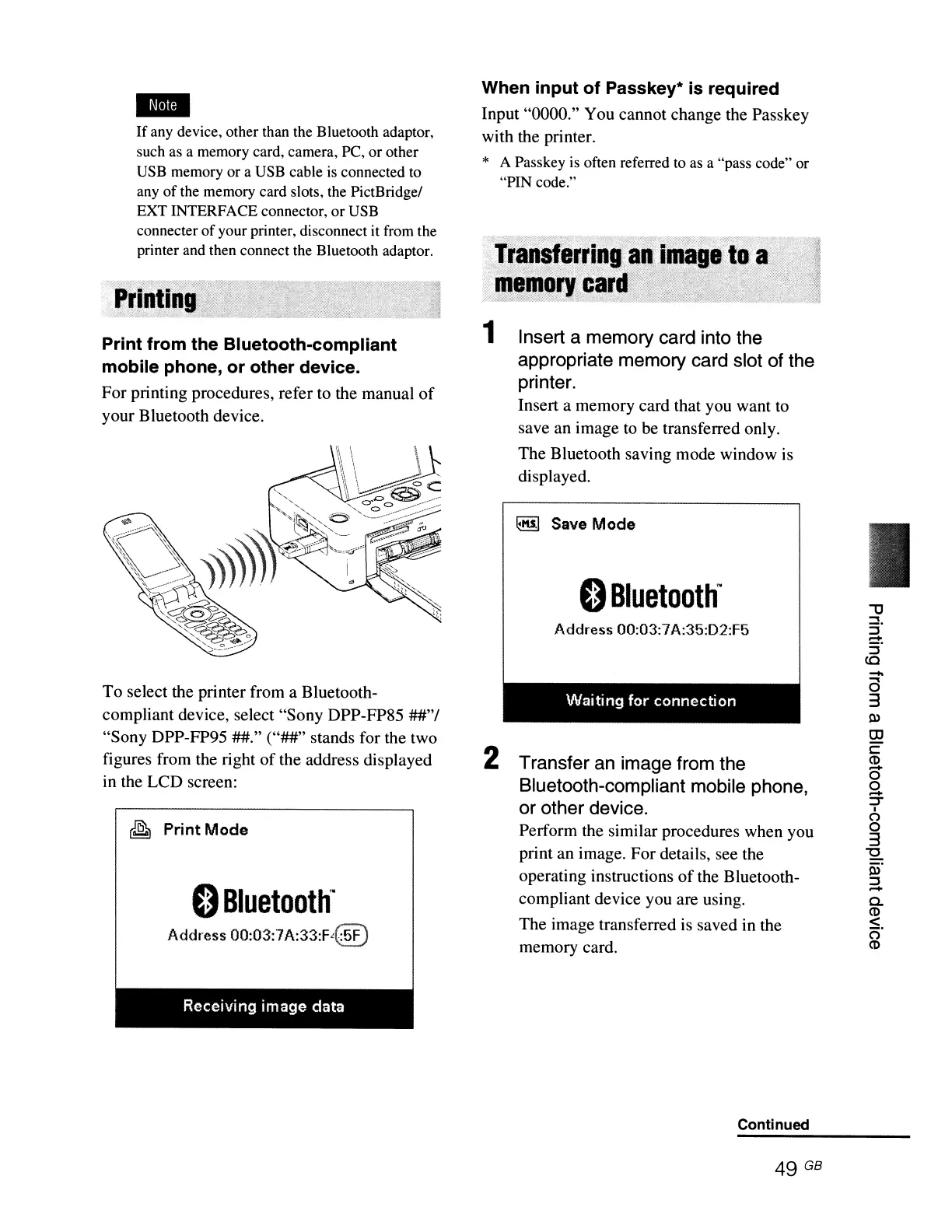
To
select the printer from a Bluetooth-
compliant
device, select
"Sony
DPP-FP85
##"/
"Sony
DPP-FP95
##."
("##"
stands
for
the
two
figures from the right
of
the address displayed
in the
LCD
screen:
~
Print
Mode
o
Bluetooth'
Address
00:03:7
A:33:F{~)
Waiting
for
connection
2 Transfer an image from the
Bluetooth-compliant mobile phone,
or other device.
Perform
the similar procedures when you
print
an
image.
For
details, see the
operating instructions
of
the Bluetooth-
compliant
device you are using.
The
image
transferred is saved in the
memory
card.
-
a
3
s:u
OJ
c:
(1)
0'
9-
::J'"
I
(')
o
3
"'0
iii'
::J
...
Co
(1)
<
o'
(1)
Receiving image data
Continued
49 GB



 To Next Page