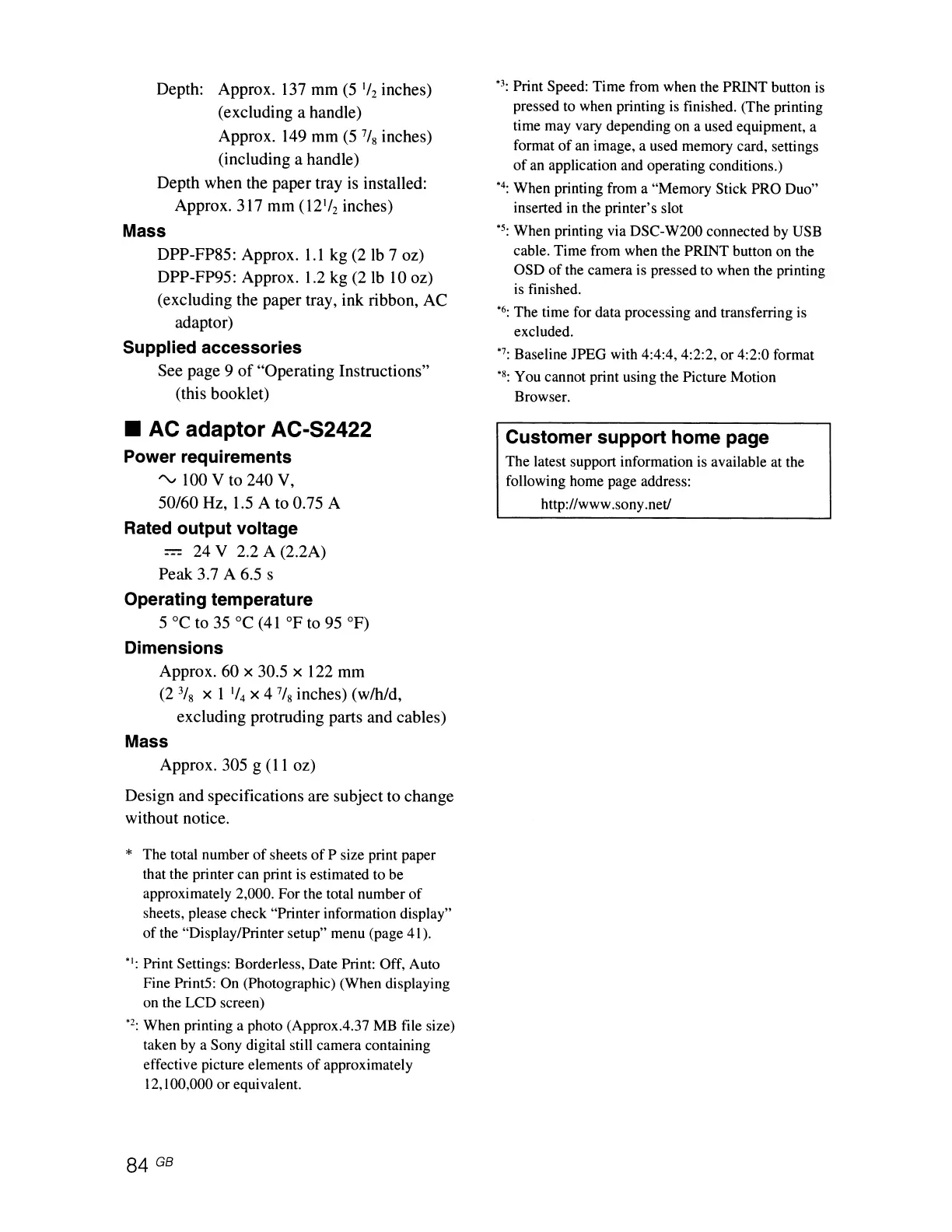
Depth: Approx.
137
mm
(5
1/
2
inches)
(excluding a handle)
Approx.
149
mm
(5
7/
8
inches)
(including a handle)
Depth when the paper tray
is
installed:
Approx. 317 mm (12'/2 inches)
Mass
DPP-FP85: Approx.
l.l
kg (2
Ib
7 oz)
DPP-FP95: Approx.
1.2
kg (21b
10
oz)
(excluding the paper tray, ink ribbon, AC
adaptor)
Supplied accessories
See page 9
of
"Operating Instructions"
(this booklet)
• AC adaptor AC-S2422
Power requirements
"v
100 V to 240
V,
50/60 Hz,
1.5
A to 0.75 A
Rated output voltage
= 24 V 2.2 A (2.2A)
Peak 3.7
A 6.5 s
Operating temperature
5°C
to
35°C
(41°F
to 95
OF)
Dimensions
Approx. 60 x 30.5 x 122 mm
(23fs x 1
'/4
X4
7/
8
inches) (w/h/d,
excluding protruding parts and cables)
Mass
Approx. 305 g
(11
oz)
Design and specifications are subject to change
without notice.
* The total number
of
sheets
of
P size print paper
that the printer can print is estimated to be
approximately 2,000. For the total number
of
sheets, please check "Printer information display"
of
the "Display/Printer setup" menu (page 41).
":
Print Settings: Borderless, Date Print: Off, Auto
Fine Print5: On (Photographic) (When displaying
on the LCD screen)
'2: When printing a photo (Approx.4.37
MB
file size)
taken
by
a Sony digital still camera containing
effective picture elements
of
approximately
12,
100,000 or equivalent.
'3: Print Speed: Time from when the PRINT button is
pressed
to
when printing is finished. (The printing
time may vary depending on a used equipment, a
format
of
an image, a used memory card, settings
of
an application and operating conditions.)
'4: When printing from a "Memory Stick PRO Duo"
inserted in the printer's slot
'5: When printing via DSC-W200 connected
by
USB
cable. Time from when the PRINT button on the
OSD
of
the camera is pressed to when the printing
is
finished.
'6: The time for data processing and transferring is
excluded.
'7: Baseline JPEG with 4:4:4, 4:2:2, or 4:2:0 format
'8: You cannot print using the Picture Motion
Browser.
Customer support home page
The latest support information is available at the
following home page address:
http://www.sony.net!



 To Next Page