Printing
from a
S'uetooth-comp'iant
device
Printing
from
a
Bluetooth-
compliant
device
By connecting the Sony DPPA-BTl Bluetooth
USB adaptor (sold separately) to the PictBridge/
EXT INTERFACE connector
of
yourprinter, you
can print an image from a Bluetooth-compliant
mobile phone, digital camera, or other device.
--
• Do not use the DPPA-BTl outside the area you
purchased
it.
Depending on the area, the use
of
the
adaptor may violate the local radio wave
regulations and may be subject to penalty.
• In some regions, the Sony DPPA-BTI Bluetooth
USB adaptor is not sold.
The
DPP-FP97 supports the following profiles:
• BIP (Basic Imaging Profile)
Image Push Responder
•
OPP
(Object Push Profile)
Object Push Server
For
the profiles that your Bluetooth device
supports, please refer to its manual.
What
is
a
"Profile"?
A profile consists of
the
standards that enable
Bluetooth wireless communication. There are
several profiles available, depending
on
the purposes
and
product
to
be
used. To make Bluetooth
communication possible,
the
devices used
in
the
communicated should support the same profile.
Compatible
image
file
formats
that
can
be
printed
See page 82.
Maximum
number
of
pixels
that
can be
handled
See
page 82.
•
If
the file size
of
an image exceeds 5 MB, the
image cannot be transmitted
or
the
thumbnail
of
the image will
be
transmitted.
50 GB
Before you start transferring an image or
printing, you need the following preparations:
1 Connect the printer to the AC power
source.(page 12)
2 Press the
c9
(on/standby) button to
turn on the printer.
3 Insert the Bluetooth adaptor into the
PictBridge/EXT INTERFACE
connector of your printer.
The Bluetooth printing mode window is
displayed.
On
upper left on the screen,
~
Print Mode is displayed.
-
If
any device, other than the Bluetooth adaptor,
such as a memory card, camera, PC,
or
other
USB memory or a USB cable is connected to
any
of
the memory card slots, the PictBridge/
EXT INTERFACE connector, or USB
connecter
of
your printer, disconnect it from the
printer and then connect the Bluetooth adaptor.
Print
from
the
Bluetooth-compliant
mobile
phone,
or
other
device.
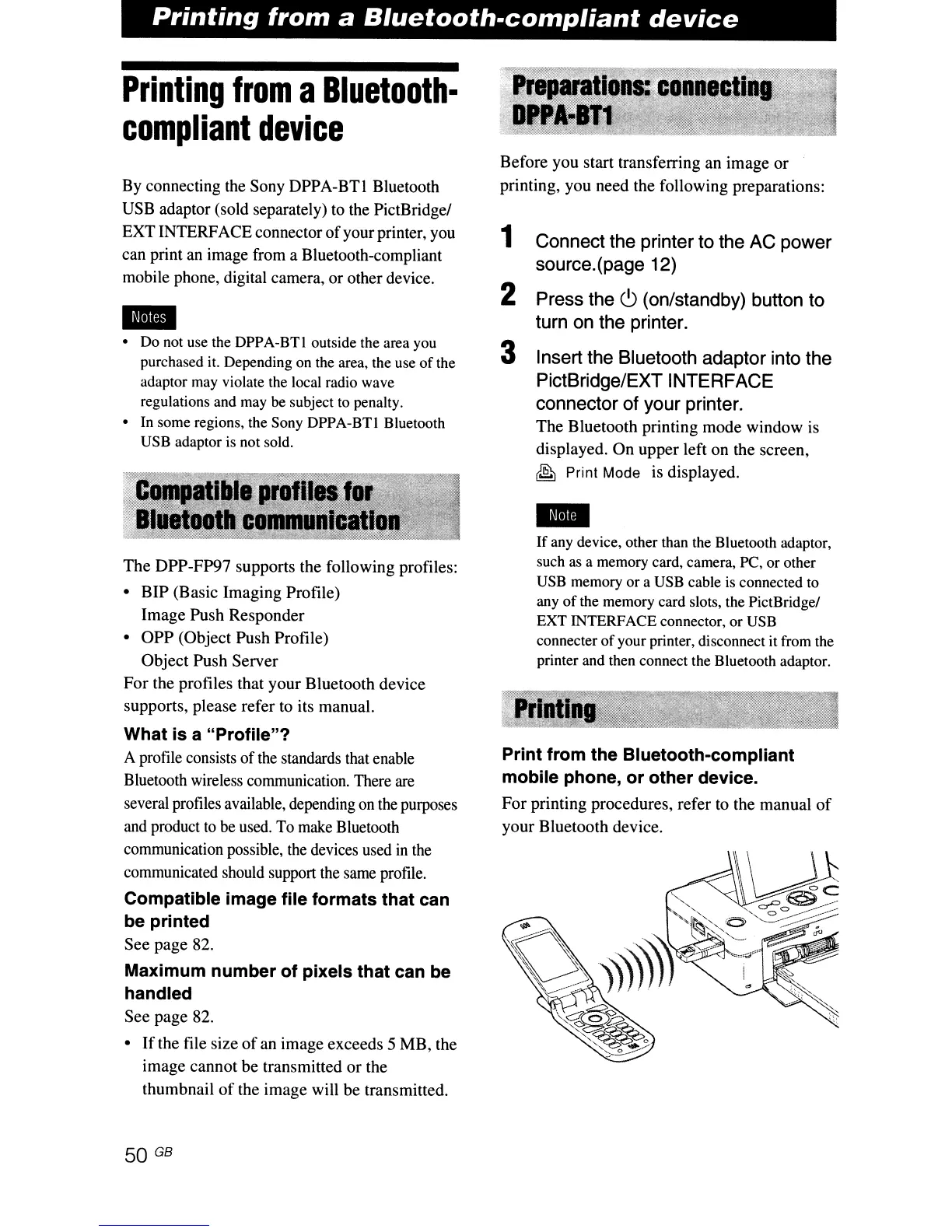
For
printing procedures, refer to the manual
of
your Bluetooth device.



 To Next Page