13
Enjoying with your camcorder
** Finalizing: a process to make it possible to play back recorded DVD on other DVD devices (p.44).
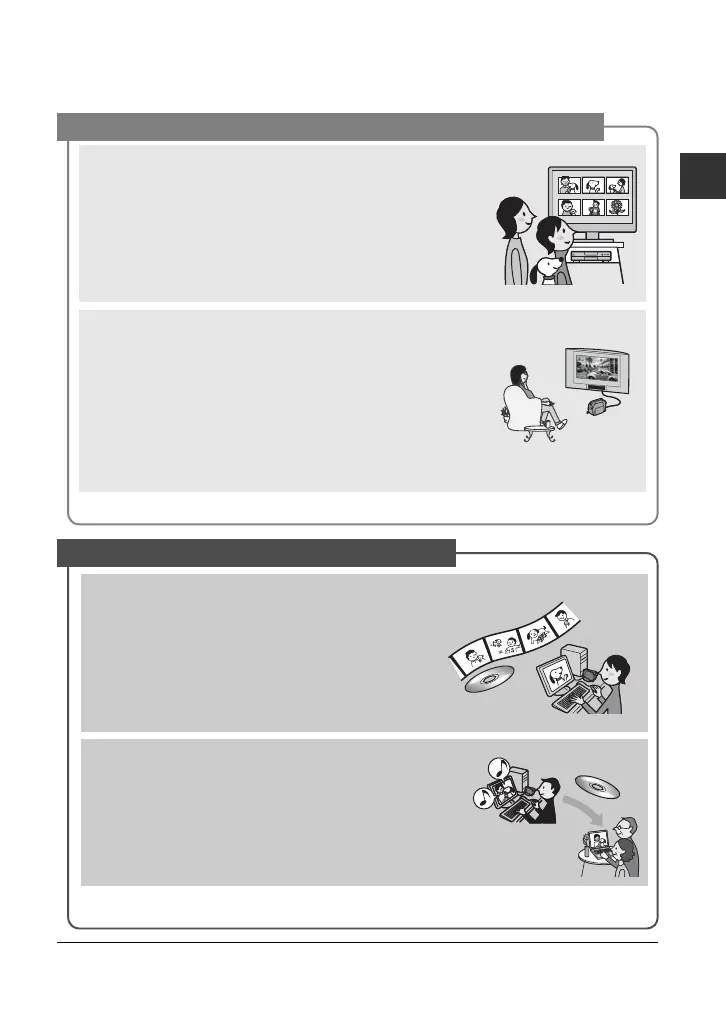
Playback on a DVD device or DVD drive (p.44)
You can play back recorded and finalized** discs on a home
DVD device, DVD recorder or DVD drive of a computer that
supports 8cm disc.
When finalizing the disc, you can create DVD menus to
enable quick access to scenes you want to view.
Playback on widescreen TV and home theater (p.42)
Images recorded in widescreen format can be played back
on a wide TV with complete panoramic effect. Discs are also
recorded with 5.1ch surround sound to provide full sound on
a home theater.
b Notes
• Some models may not support wide screen and 5.1 ch surround
recording.
A recorded disc can be played back on a variety of devices
High-speed image transfer (p.80)
Image data can be quickly transferred to a computer
without requiring playback.
Computers with Hi-Speed USB (USB 2.0) provide
even faster image transfer.
Using the supplied software to edit and copy (p.80)
Picture Motion Browser, the software supplied with your
camcorder allows you to edit movies or still images stored
in your computer to create your original DVD. Copying
discs could not be easier enabling you to share your
precious moments with family and friends.
Connecting camcorder to a computer













 To Next Page