48
Editing
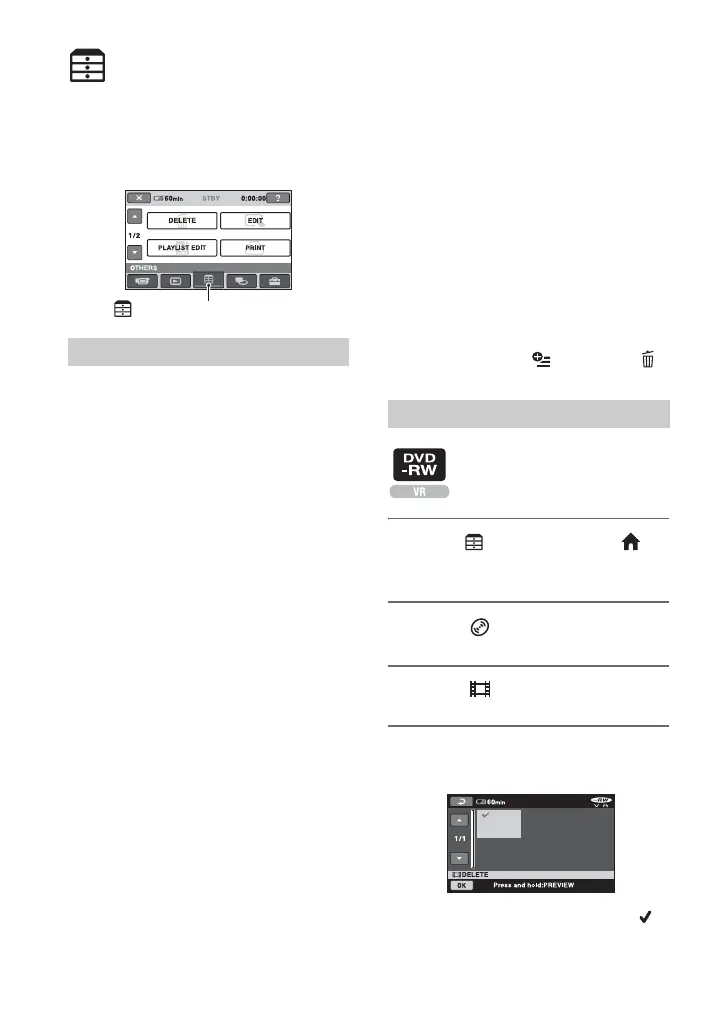
(OTHERS) category
This category enables you to edit or print
images on a disc or "Memory Stick Duo,"
or copy them onto your computer for
viewing, editing or creating an original
DVD.
DELETE
You can delete images on a disc or a
"Memory Stick Duo" (p. 48).
EDIT
You can edit the images on a disc or a
“Memory Stick Duo” (p. 50).
PLAYLIST EDIT
You can create and edit a Playlist (p. 51).
PRINT
You can print still images on a connected
PictBridge printer (p. 55).
COMPUTER
You can connect your camcorder to a
computer (p. 80).
Deleting images
You can delete the images recorded on a
disc or a “Memory Stick Duo” using your
camcorder.
Insert a recorded disc or “Memory Stick
Duo” into your camcorder.
b Notes
• You cannot retrieve the deleted images.
• You cannot delete movies during Easy
Handycam operation. Cancel the Easy
Handycam operation first.
z Tips
• You can select up to 100 images at once.
• You can delete images on the playback screen
from [DELETE] under (OPTION) t
tab.
1 Touch (OTHERS) of the
(HOME) menu t [DELETE].
2 Touch [ DELETE].
3 Touch [ DELETE].
4 Touch the image that you want to
delete.
The selected image is marked with .
Press and hold the image on the LCD
screen to confirm the image.
Item list
(OTHERS) category
Deleting the movies on the disc













 To Next Page