49
Editing
Touch to return to the previous
screen.
5 Touch t [YES] t .
To delete all movies on the disc at one
time
In step 3, touch [ DELETE ALL] t
[YES] t [YES] t .
To delete the most recently recorded
movie
In step 3, touch [ LAST SCENE DEL]
t t [YES] t .
b Notes
• Do not remove the battery pack or the AC
Adaptor from your camcorder while editing
images. It may damage the disc.
• If the deleted movie is included in the Playlist
(p. 51), the movie is deleted also from the
Playlist.
• Even if you delete unnecessary images from the
disc, the remaining disc capacity may not
increase as much as you can make additional
recording.
• To delete all images recorded in the disc and
restore the original capacity of the disc, format
the disc (page 59).
z Tips
• The images recorded by this camcorder and
stored onto a disc are called "original."
1 Touch (OTHERS) of the
(HOME) menu t [DELETE].
2 Touch [ DELETE].
3 Touch [ DELETE].
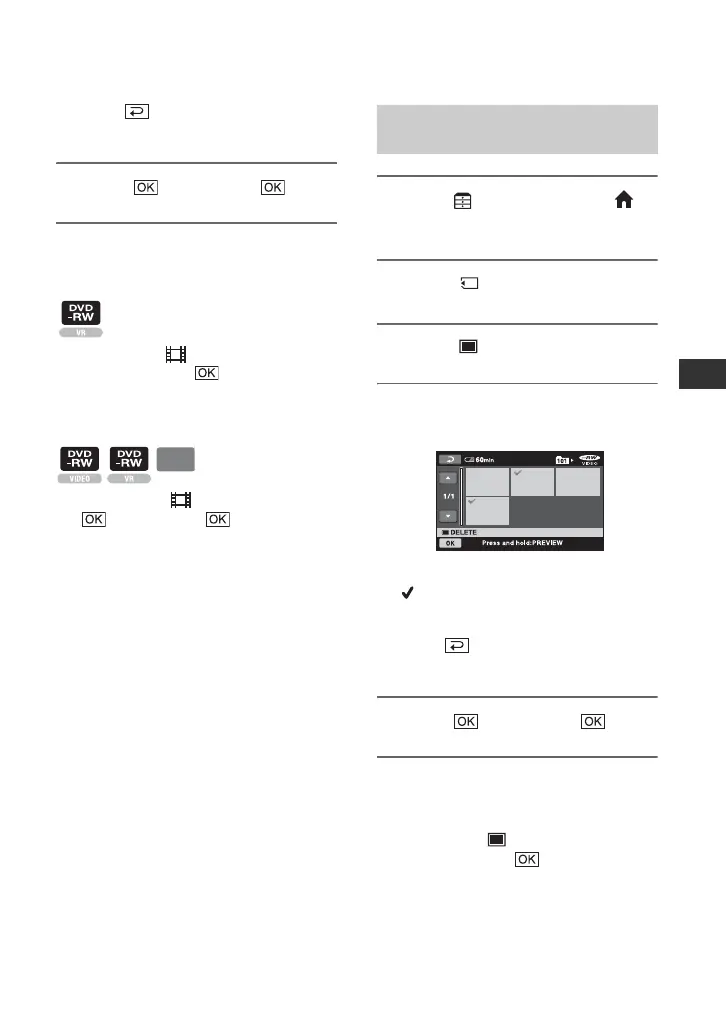
4 Touch the still image that you
want to delete.
The selected still image is marked with
.
Press and hold the still image on the LCD
screen to confirm the still image.
Touch to return to the previous
screen.
5 Touch t [YES] t .
To delete all still images on the
“Memory Stick Duo”
In step 3, touch [ DELETE ALL] t
[YES] t [YES] t .
b Notes
• You cannot delete still images in the following
cases:
– "Memory Stick Duo" is write-protected.
DVD
+RW
Deleting the still images in the
“Memory Stick Duo”
Continued ,













 To Next Page