20
3 Touch the item you want to know the
content.
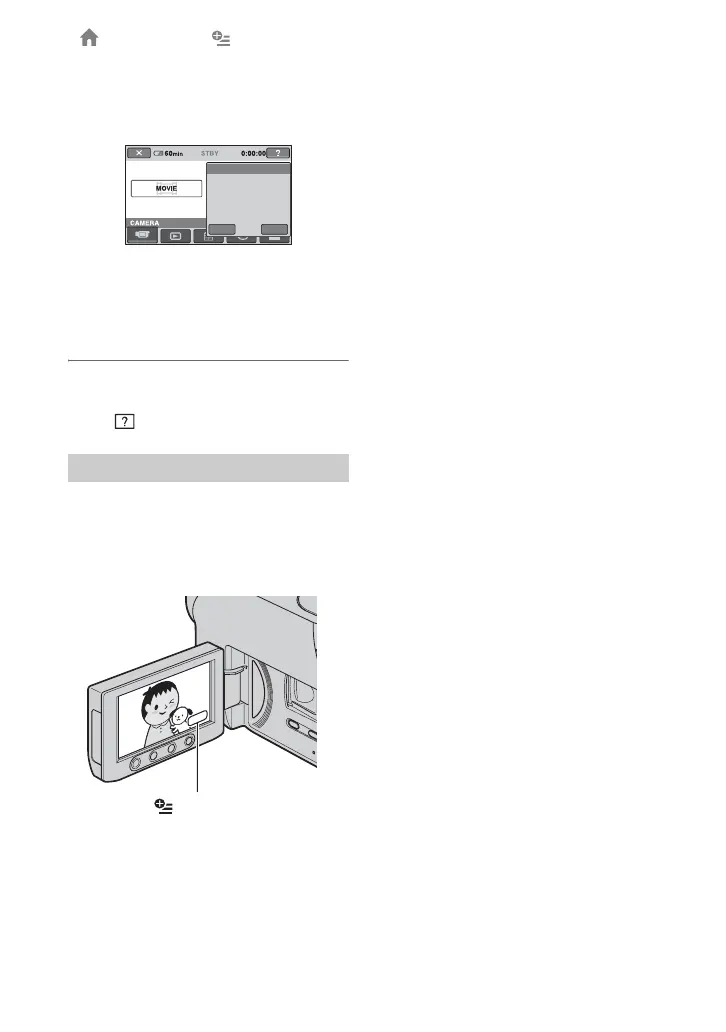
When you touch an item, its explanation
appears on the screen.
To apply the option, touch [YES],
otherwise, touch [NO].
To deactivate the HELP
Touch (HELP) again in step 2.
Just a touch on the screen during recording
or playback displays the functions available
at that moment. You will find it easy to
make various settings. See page 73 for
further details.
Using the OPTION MENU
Records a movie.
Activate?
MOVIE
YES
NO
(OPTION)
“ HOME” and “ OPTION” (Continued)













 To Next Page