78
Functions set in the OPTION MENU (Continued)
b Notes
• Set [WHITE BAL. ] to [AUTO] or adjust the
color in [ONE PUSH] under white or cool white
fluorescent lamps.
• While is flashing quickly during [ONE
PUSH] setting, continue to frame a white object
until stops flashing.
•
flashes slowly if [ONE PUSH] could not
be set.
• When [ONE PUSH] was selected, if keeps
flashing after touching , set [WHITE BAL.
] to [AUTO].
• If you set [WHITE BAL. ], [SCENE
SELECTION] is automatically set to [AUTO].
z Tips
• If you change the battery pack with [AUTO]
selected, or take your camcorder outdoors after
inside use (or vice versa), select [AUTO] and
aim your camcorder at a nearby white object for
about 10 seconds for better color balance
adjustment.
• If you change the [SCENE SELECTION]
settings or move your camcorder outdoors
during white balance setting with [ONE PUSH],
you need to repeat the [ONE PUSH] operation.
When you set [COLOR SLOW SHTR] to
[ON], you can record an image brighter in
color even in dark places.
appears on the screen.
To cancel [COLOR SLOW SHTR], touch
[OFF].
b Notes
• Adjust the focus manually ([FOCUS], p. 75)
when it is hard to focus automatically.
• The shutter speed of your camcorder changes
depending on the brightness, which may result
in a slowdown of the motion of the image.
The image will be recorded at a maximum
of 16 times the sensitivity of NightShot plus
recording if you set [S. NIGHTSHOT PLS]
to [ON] while the NIGHTSHOT PLUS
switch (p. 37) is also set to ON.
appears on the screen.
To return to the normal setting, set [S.
NIGHTSHOT PLS] to [OFF].
b Notes
• Do not use [S. NIGHTSHOT PLS] in bright
places. This may cause a malfunction.
• Do not cover the infrared port with your fingers
or other objects (p. 112).
• Adjust the focus manually ([FOCUS], p. 75)
when it is hard to focus automatically.
• The shutter speed of your camcorder changes
depending on the brightness, which may result
in a slowdown of the motion of the image.
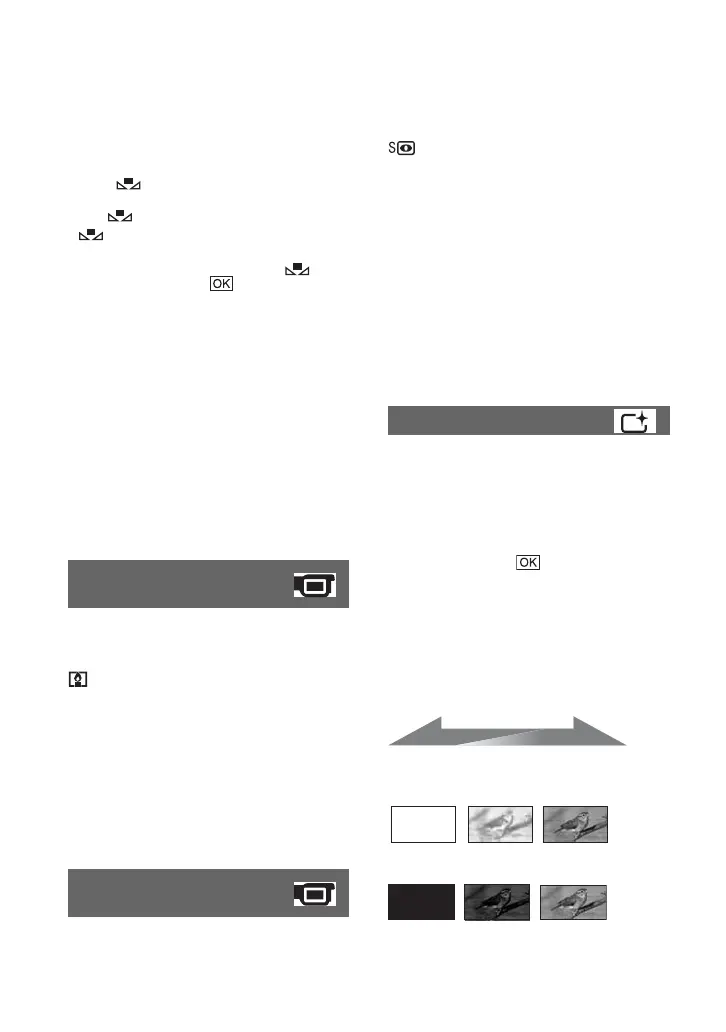
You can record a transition with the
following effects adding to the interval
between scenes.
1 Select the desired effect in [STBY] (during
fading in) or [REC] (during fading out)
mode, then touch .
2 Press START/STOP.
The fader indicator stops flashing and
disappears when the fade is complete.
To cancel the fader before starting the
operation, touch [OFF] in step 1.
If you press START/STOP, the setting is
canceled.
WHITE FADER
BLACK FADER
COLOR SLOW SHTR
(Color Slow Shutter)
S. NIGHTSHOT PLS
(Super NightShot plus)
FADER
STBY REC
Fading out Fading in













 To Next Page