74
Activating functions using the OPTION MENU (Continued)
See page 73 for setting operation.
* Items that are included also in the HOME
MENU.
** DCR-DVD308/DVD708
See page 73 for setting operation.
* Items that are included also in the HOME
MENU.
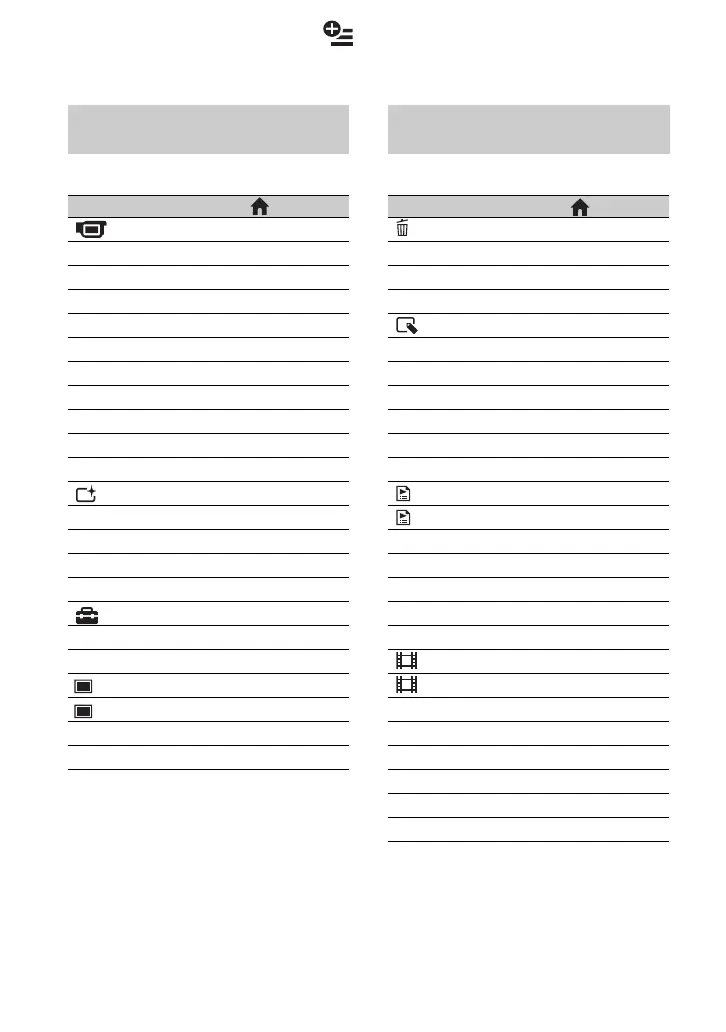
Recording items on the OPTION
MENU
Items * Page
tab
FOCUS
-75
SPOT FOCUS
-75
TELE MACRO
-75
EXPOSURE
-76
SPOT METER
-76
SCENE SELECTION
-76
WHITE BAL.
-77
COLOR SLOW SHTR
-78
S. NIGHTSHOT PLS
-78
tab
FADER
-78
D.EFFECT
-79
PICT.EFFECT
-79
tab
REC MODE
a 64
MICREF LEVEL
-79
IMAGE SIZE**
a 66
QUALITY
a 66
SELF-TIMER
-79
FLASH MODE**
-79
Viewing items on the OPTION
MENU
Items * Page
tab
DELETE
a 48
DELETE ALL
a 49
tab
DIVIDE
a 50
ERASE
a 52
ERASE ALL
a 52
MOVE
a 52
-- (A tab depends on the situation)
ADD
a 52
ADD ALL
a 52
PRINT
a 55
SLIDE SHOW
-41
VOLUME
a 69
DATA CODE
a 67
SLIDE SHOW SET
-41
ADD
a 51
ADD ALL
a 52
-- (No tab)
COPIES
-56
DATE/TIME
-56
SIZE
-56
DVD MENU
-47













 To Next Page