47
Recording/Playback
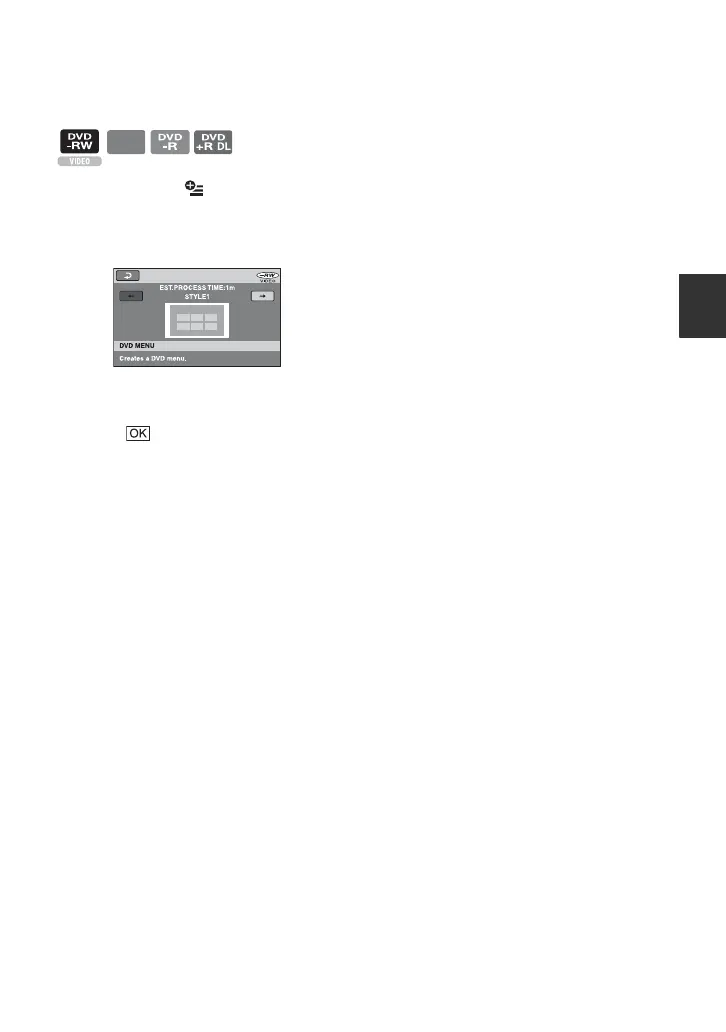
To select a DVD menu style
1 In step 4, touch (OPTION) t
[DVD MENU].
2 Select the desired style from 4 types of
pattern with [T]/[t].
Select [NO MENU] if you do not create
a DVD menu.
3 Touch .
b Notes
• The DVD menu style is fixed to [STYLE1]
during the Easy Handycam operation.
DVD
+RW













 To Next Page