53
Editing
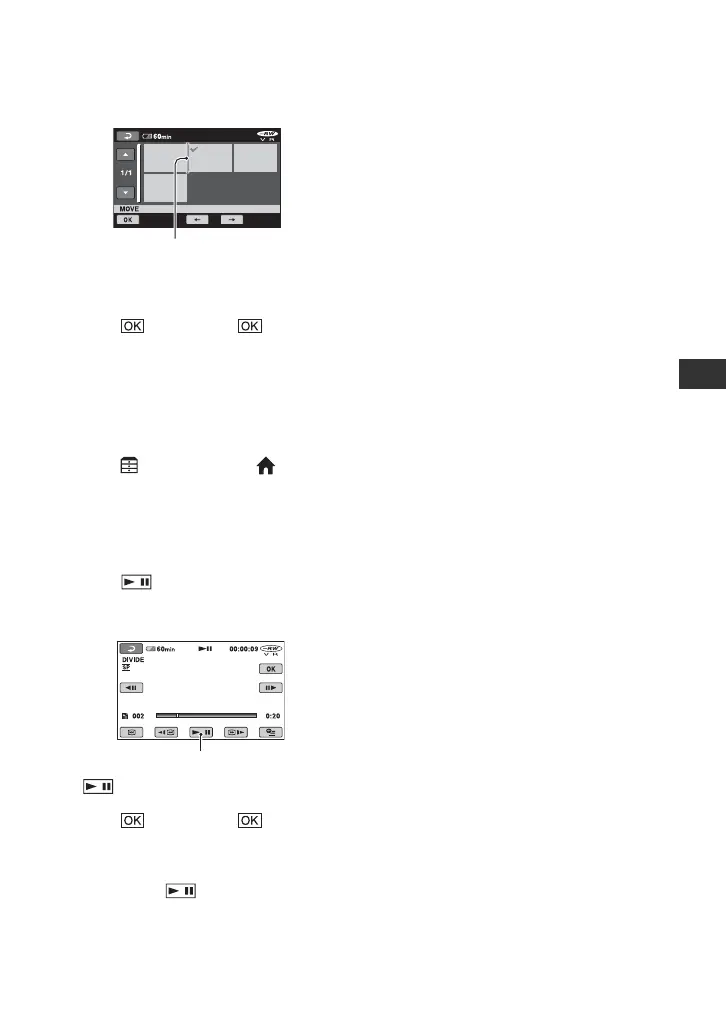
5 Select the destination with [T]/[t].
Press and hold the image on the LCD
screen to confirm the image.
6 Touch t [YES] t .
z Tips
• When you select multiple images, the images
are moved following the order appeared in the
Playlist.
Dividing a movie within the Playlist
1 Touch (OTHERS) of the
(HOME) menu t [PLAYLIST EDIT].
2 Touch [DIVIDE].
3 Select the movie that you want to divide.
The playback of the selected movie
starts.
4 Touch at the point where you want
to divide the movie into scenes.
The movie pauses.
5 Touch t [YES] t .
b Notes
• A slight difference may occur from the point
where you touch and the actual dividing
point, as your camcorder selects the dividing
point based on about half-second increments.
z Tips
• The original movies are not changed even if you
divide the movie in the Playlist.
Destination bar
Play and pause toggles as you press
.













 To Next Page