5-19
5-3-2. [1] DVD Single Layer Disc
When “[1] DVD Single Layer Disc” is selected and the DVD single layer disc is inserted, the adjustment is performed in the order described
below. The adjustment values are saved in EEPROM.
DVD single layer adjustment procedure
LD ON
Spindle Start ↓
Tilt ON Tan-Position
FOCUS ON FOK Check
FOK Check
Sled Move Tracking ON
Sled ON
Auto Tracking Offset AGC ON
FOK Check CLVA
Lock Check
Tracking ON
Sled ON Tangential screw adjustment (See below)
AGC ON 10k tj (rev)
CLVA
Lock Check Auto Loop Filter Offset
Auto Focus Offset
Auto Loop Filter Offset Auto Tilt Offset
Auto Focus Offset Auto Focus Offset
Auto Tilt Offset Auto Focus Gain
Auto Focus offset Auto Tracking Gain
Auto EQ
Servo Stop Auto Loop Filter Offset
Go To Home position Pull in Memory
Jitter Check
LD ON Servo Stop
Spindle Start Search Check
Tilt ON
Focus ON
FOK Check
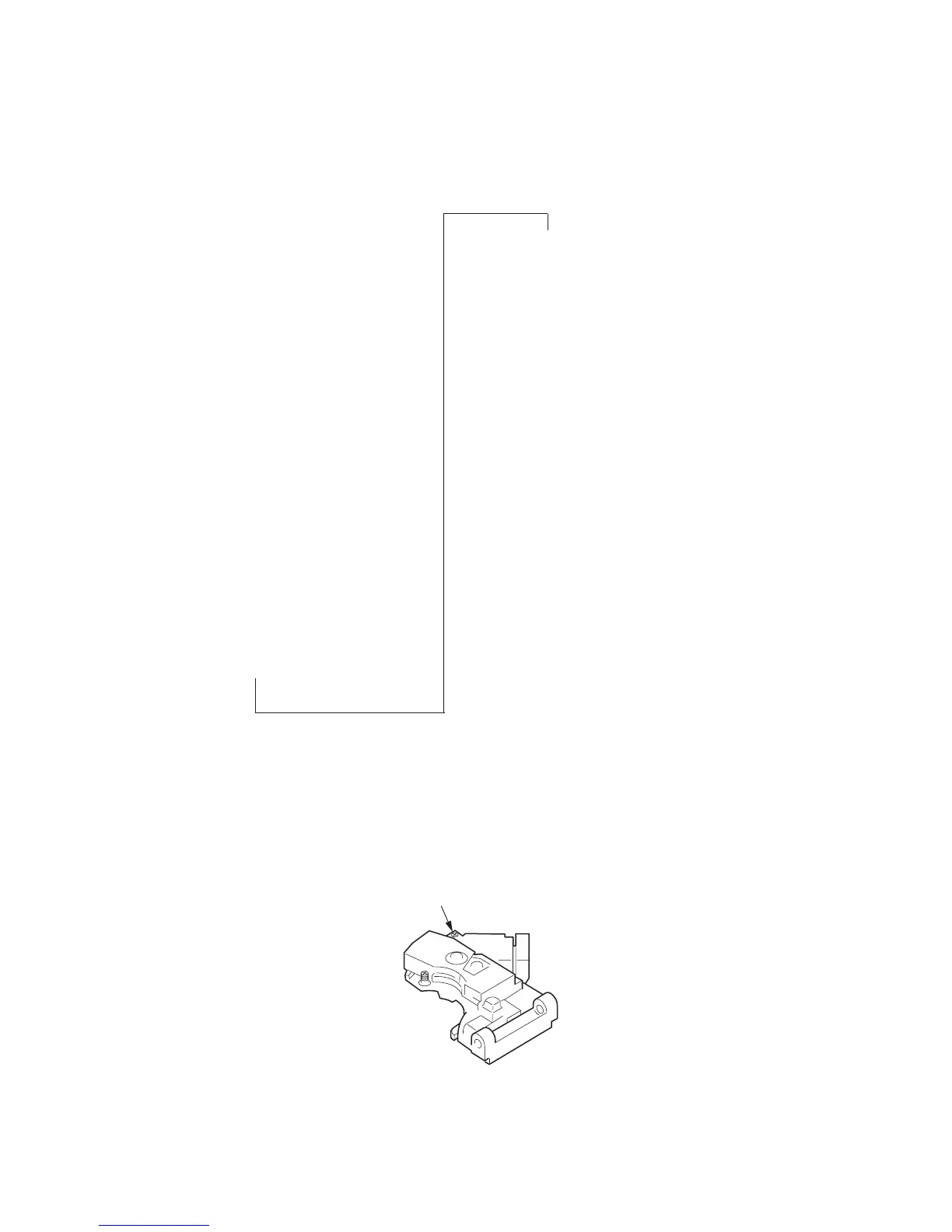
[Tangential screw adjustment]
Make this adjustment only when the pickup was replaced.
As for adjustment, rotate the T-SKEW adjusting screw on the pickup so that the displayed jitter becomes minimum (CCW makes jitter
smaller). Avoid extreme rotation or interference of screwdriver with the disc. After adjustment, a message to apply a screw locking agent will
be displayed if jitter value is within the specification. Then, apply a drip of locking agent to the recess of screw. Hence, change discs
following the given message on OSD, and the adjustment is finished if there is no problem.
Note that if “All” is selected, the data of previous adjustment are erased and initial values are set.
T-SKEW adjusting screw



 To Next Page