16
To
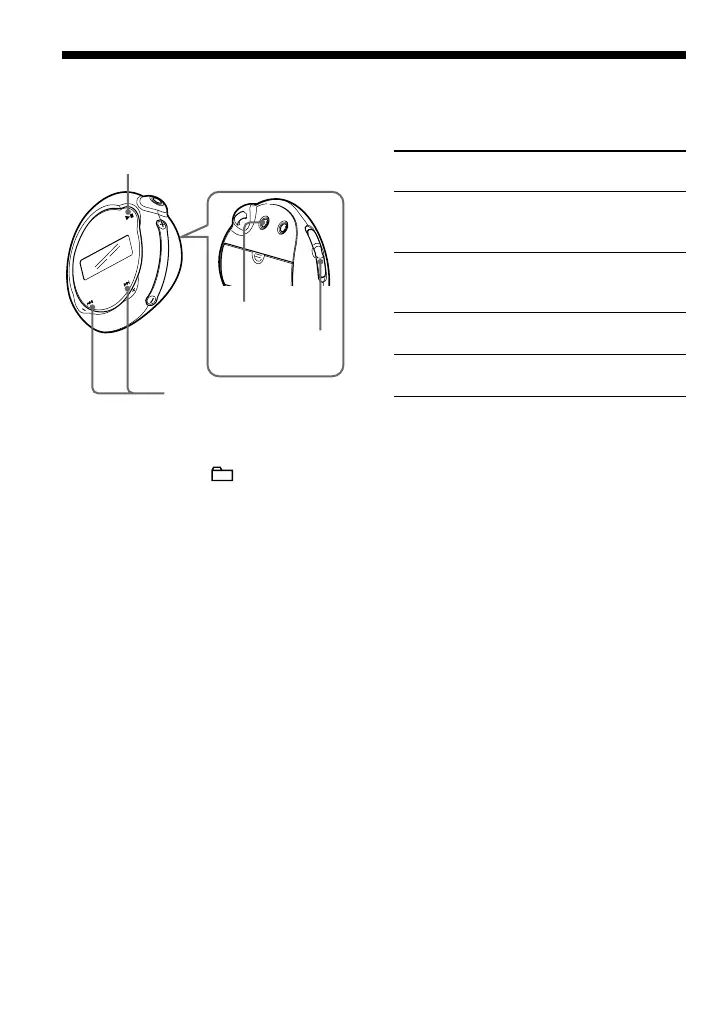
Skip to the beginning
of the next track/
group*
1
Skip to the beginning
of the current track/
group*
1
Fast-forward*
2
Fast-rewind*
2
*
1
Pressing and holding of the .–/+> button
during stop mode allows you to skip to the
beginning of the next (current and previous)
track/group continuously.
*
2
Fast-forward and fast-rewind speed becomes
gradually faster.
On other operations
z Tip
You can select to the Group mode by setting the
GROUP/HOLD switch to
(GROUP).
.–/+> button
operation
Press the +> button
once.
Press the .– button
once.
Press the +> button
and hold it.
Press the .– button
and hold it.
Nx button
MENU button
.–/+> button
Listening to music with your Network Walkman
GROUP/HOLD
switch



 To Next Page