Advanced Operations
21
Setting the repeat counts
You can set the repeat counts (1-9) of one
sentence for the Sentence Repeat mode.
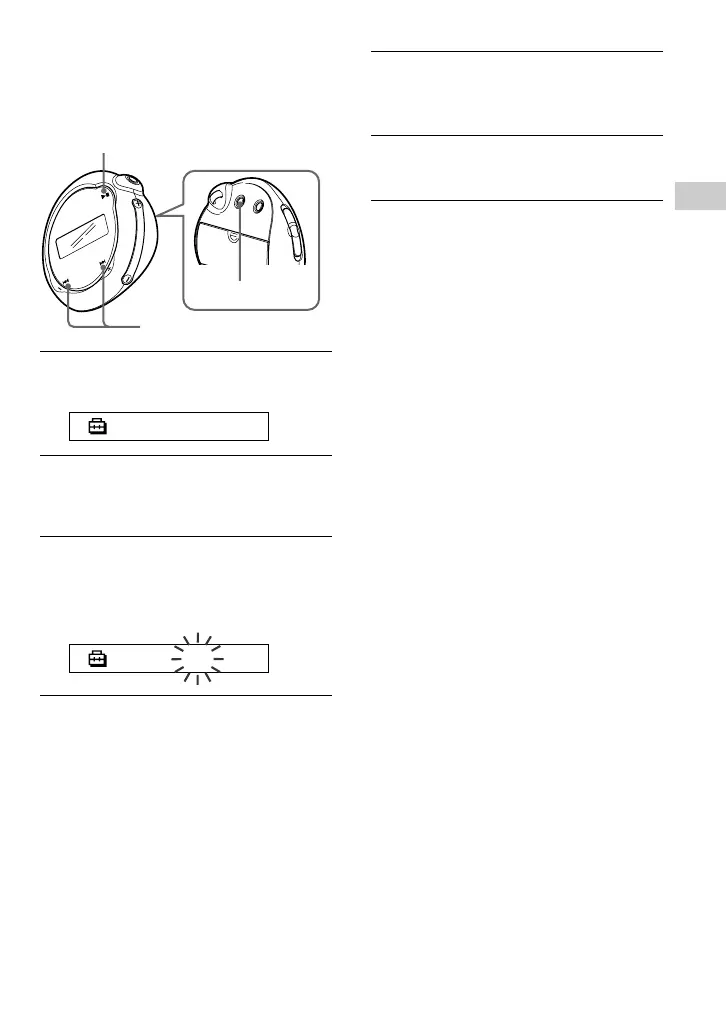
1 Press the MENU button.
The menu screen is displayed.
REPEATMODE>
2 Press the .–/+> button to
select “REPEATMODE>” and
press the Nx button to confirm.
3 Press the .–/+> button to
select “Sentence Rep” and press
the Nx button to confirm.
“COUNT:” is displayed in the screen.
COUNT:2
4 Press the .–/+> button to
select a desired repeat counts and
press the Nx button to confirm.
5 Press the MENU button.
The display returns to the normal screen.
To cancel the Menu mode
Select [RETURN] in the menu screen or press the
MENU button.
Nx button
MENU button
.–/+> button



 To Next Page