Advanced Operations
23
Adjusting treble
and bass (Digital
sound preset)
You can adjust the treble and bass. You can
preset two settings, which can be selected
during playback.
Selecting the Sound quality
Default settings
Sound SOUND 1 SOUND 2 SOUND OFF
quality
(S1) (S2)
(NORMAL SOUND)
Bass +1 +3 ±0
Treble ±0 ±0 ±0
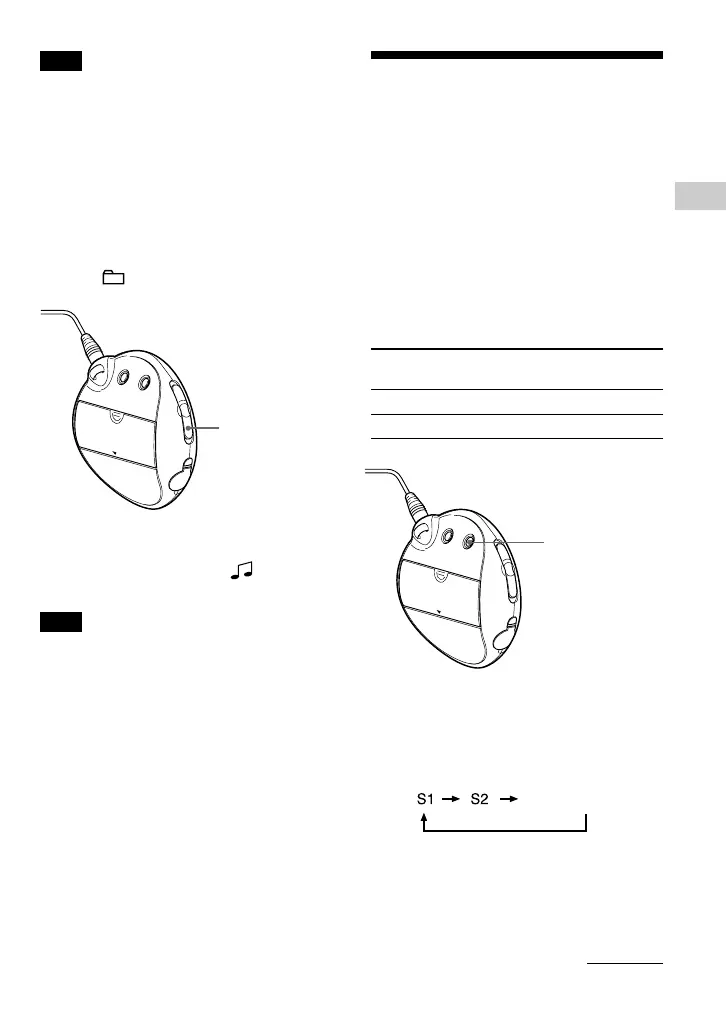
Press and hold the REPEAT/
SOUND button for half a second.
The Sound quality setting is changed as
follows:
To return to the normal Sound quality
Select “SOUND OFF (none).”
REPEAT/SOUND
button
Note
The display automatically returns to the normal
playback screen if you do not press any buttons for
60 seconds.
Selecting the group display
mode
For any menu screen, you can select the
group mode by setting the GROUP/HOLD
switch to (GROUP).
To cancel the Group mode
Set the GROUP/HOLD switch to (NORMAL)
in the Group mode screen.
Note
Pressing the .–/+> button in the Group
mode jumps backwards or forwards through the
groups.
continued
SOUND OFF (none)
GROUP/HOLD
switch



 To Next Page