Other functions
33
Displaying the
player information
(INFO)
Information such as product name, built-in
flash memory capacity, serial number and
software version can be displayed.
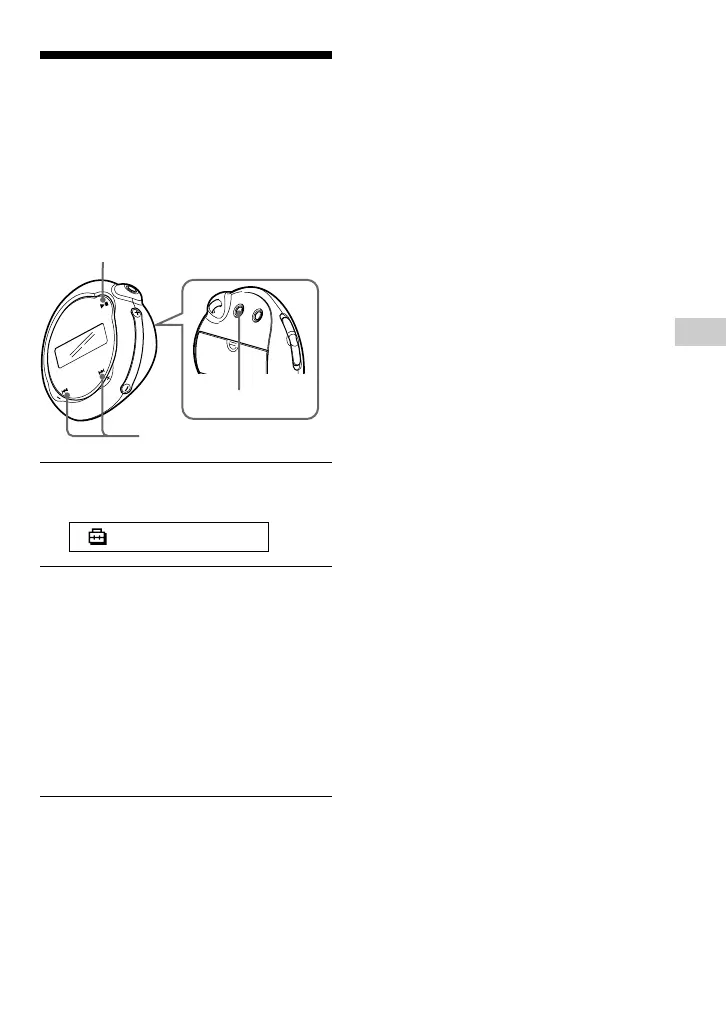
1 Press the MENU button.
The menu screen is displayed.
REPEATMODE>
2 Press the .–/+> button to
select “INFO>” and press the Nx
button to confirm.
Press the .–/+> button to show
the following information.
1: product name
2: built-in flash memory capacity
3: serial number
4: software version
To cancel the Menu mode
Select [RETURN] in the menu screen or
press the MENU button.
Nx button
MENU button
.–/+> button



 To Next Page