[166] How to Use Menu operations Setup
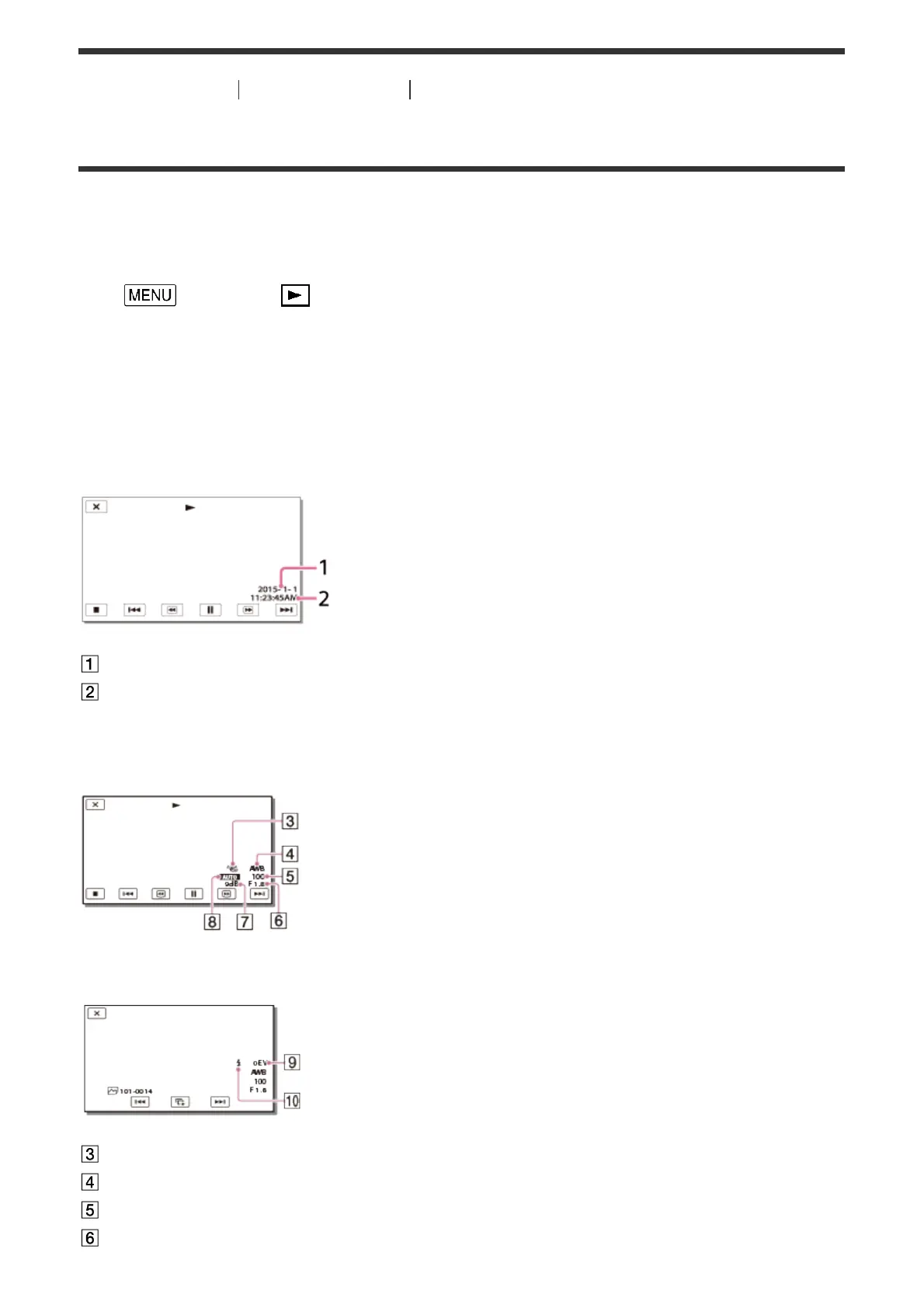
Data Code
During playback, this product displays the information recorded automatically at the time of
recording. You can check the following information.
1. - [Setup] - [ Playback Settings] - [Data Code] - desired setting.
Descriptions of menu items
Off (default setting):
Data code is not displayed.
Date/Time:
Date
Time
Camera Data:
Movie
Photo
SteadyShot off
White Balance
Shutter Speed
F-stop



 To Next Page