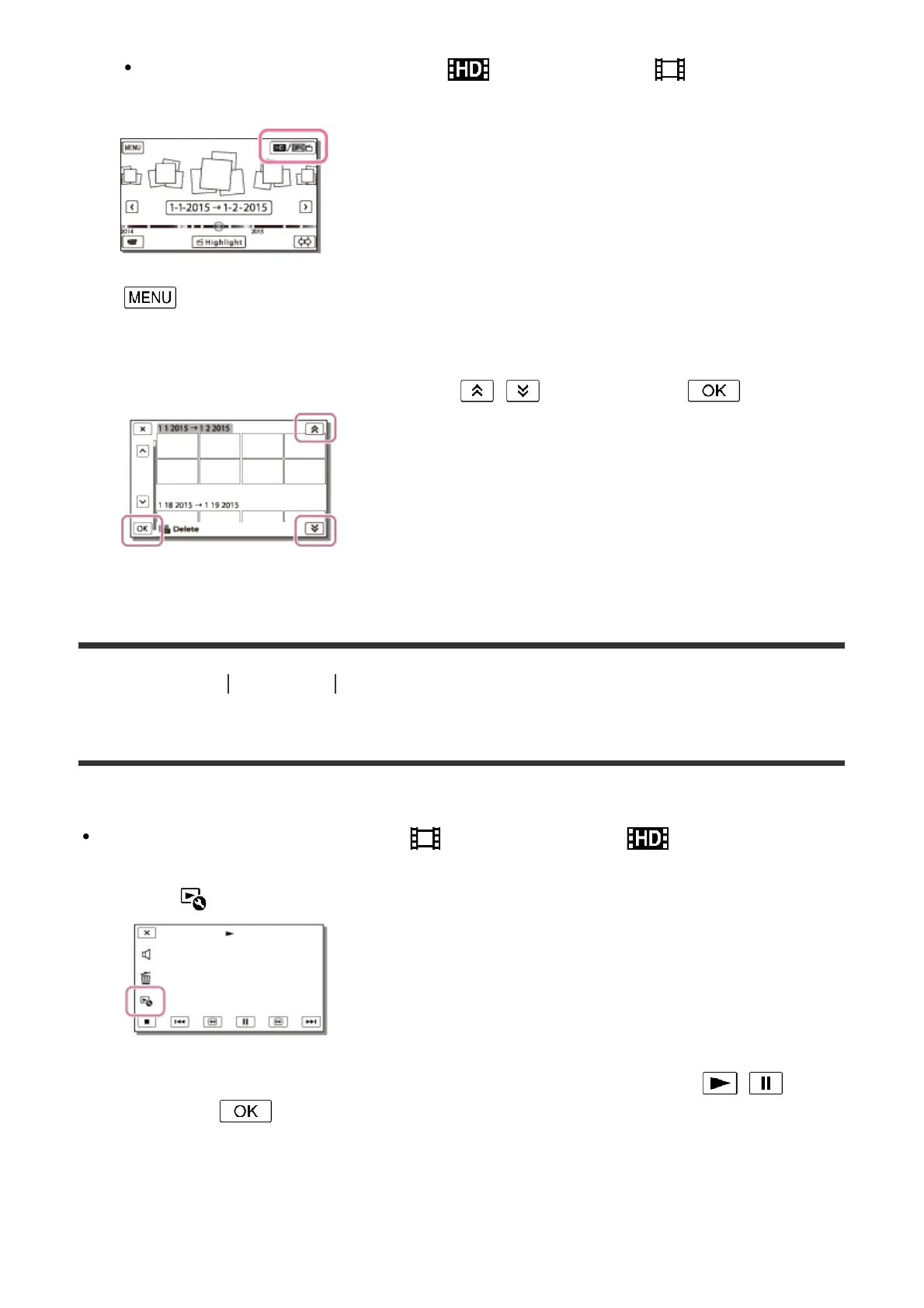
Another icon may appear instead of depending on the [ File Format]
setting and the movie playback format.
3. - [Edit/Copy] - [Delete].
4. Select [All In Event].
5. Select the date you want to delete using / , and then select .
[40] How to Use Playback Editing images from the playback screen
Dividing a movie
Split a recorded movie at your desired point.
This function is available only when [ File Format] is set to [ AVCHD].
1. Select - [Divide] on the movie playback screen.
2. Select the point where you want to divide the movie into scenes using / , and
then select .



 To Next Page