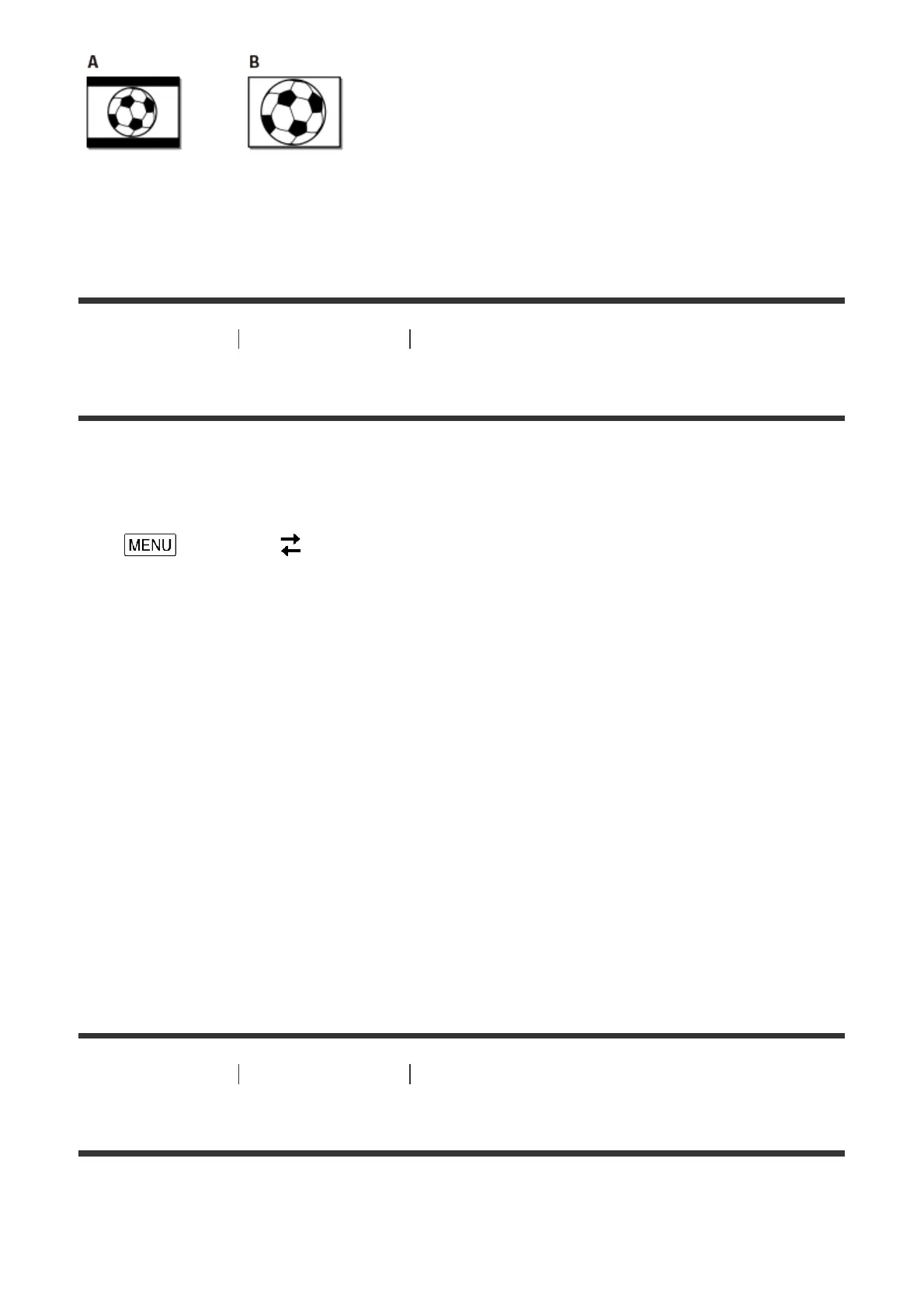
A: Images recorded in 16:9 (wide) mode
B: Images recorded in 4:3 mode
[172] How to Use Menu operations Setup
HDMI Resolution
Select the output image resolution when connecting this product to a TV with the HDMI
cable.
1. - [Setup] - [ Connection] - [HDMI Resolution] - desired setting.
Descriptions of menu items
Auto (default setting):
Outputs the signal according to the TV automatically.
2160p/1080p:
Outputs 4K movies at 2160p and HD movies at 1080p.
1080p:
Outputs the 1080p signal. 4K movies are down-converted to HD before outputting.
1080i:
Outputs the 1080i signal. 4K movies are down-converted to HD before outputting.
720p:
Outputs the 720p signal. 4K movies are down-converted to HD before outputting.
[173] How to Use Menu operations Setup
CTRL FOR HDMI
When connecting this product to a BRAVIA Sync compatible TV with an HDMI cable, you
can play back movies on this product by aiming the TV’s Remote Commander at the TV.



 To Next Page