D: Align the mark on the DC plug
Note
Be aware of the following notes on using the AC Adaptor.
Use a nearby wall outlet (wall socket) when using the AC Adaptor. Disconnect the AC Adaptor
from the wall outlet (wall socket) immediately if any malfunction occurs while using this product.
Do not use the AC Adaptor placed in a narrow space, such as between a wall and furniture.
Do not short-circuit the DC plug of the AC Adaptor or battery terminal with any metallic objects.
This may cause a malfunction.
Hint
It is recommended that you charge the battery in a temperature range of 10 °C to 30 °C
(50 °F to 86 °F).
[11] How to Use
Getting started Power source preparations
Charging the battery pack using your computer
Charge the battery pack by connecting this product and your computer with the Built-in USB
Cable. Attach the battery pack in advance.
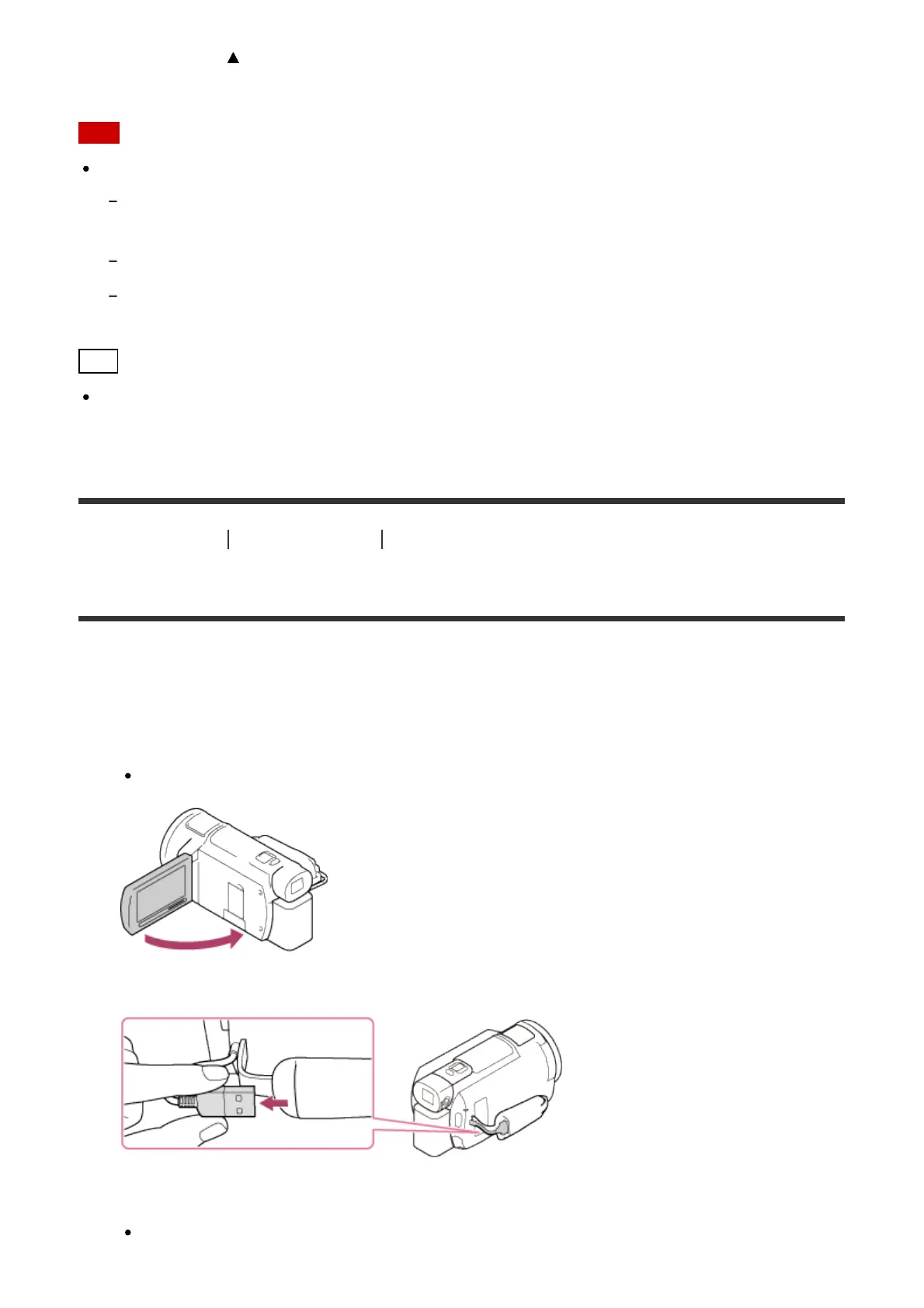
1. Close the LCD monitor.
When the viewfinder (models with the Viewfinder) is pulled out, retract it.
2. Pull out the Built-in USB Cable from this product.
3. Connect this product to a running computer using the Built-in USB Cable.
The POWER/CHG (charge) lamp turns orange.



 To Next Page