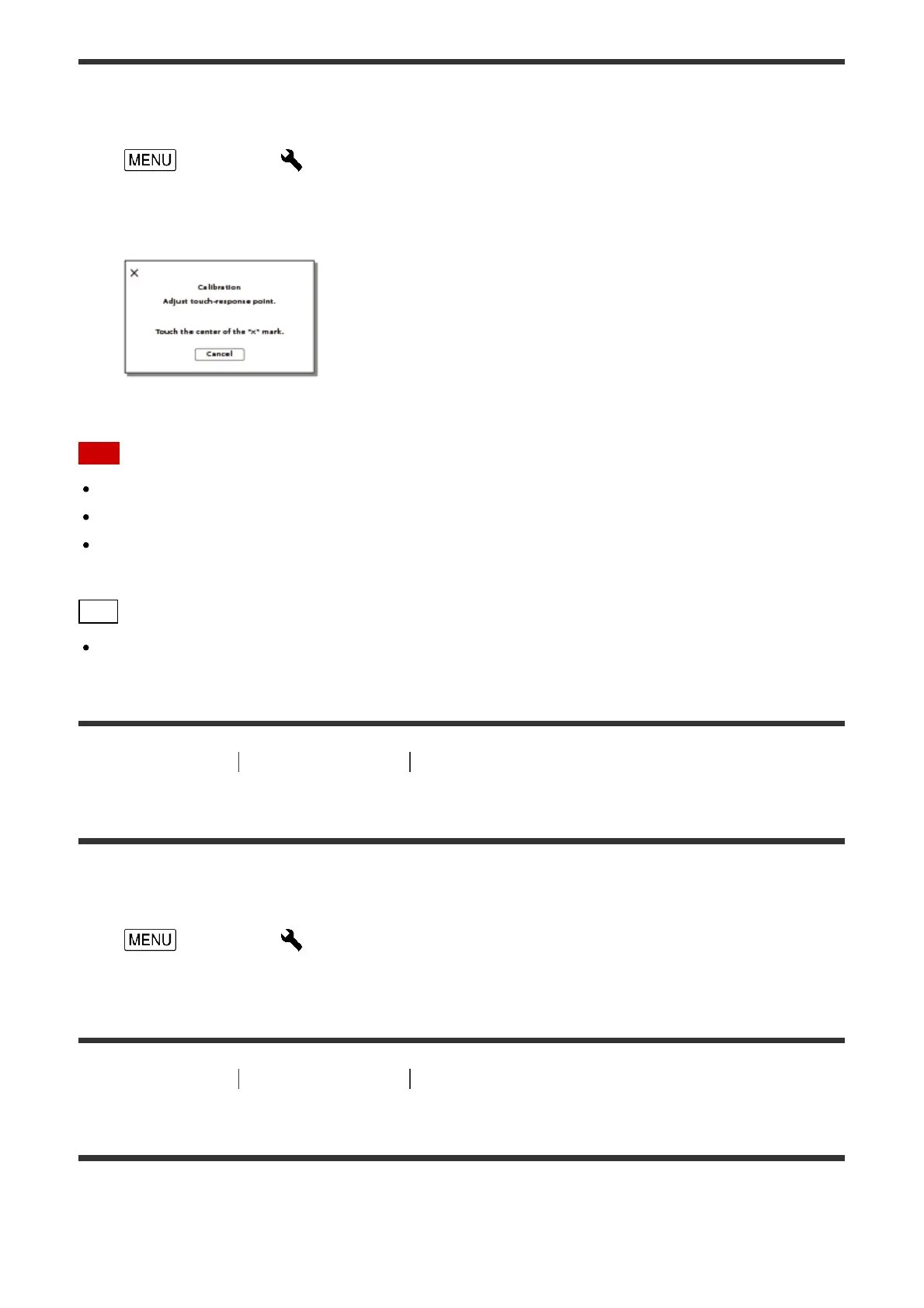
Use this function if the buttons on the touch panel does not work correctly.
1. - [Setup] - [ General Settings] - [Calibration].
2. Touch “×” displayed on the LCD monitor with the corner of memory card or the like 3
times.
Note
If you did not press the right spot, try the calibration again.
Do not use a sharp-pointed object for calibration. Doing so may damage the LCD monitor.
You cannot calibrate the LCD monitor if it is rotated, or closed with the LCD monitor
facing out.
Hint
Select [Cancel] to cancel calibration.
[186] How to Use
Menu operations Setup
Battery Info
You can check the estimated remaining capacity of the battery pack.
1. - [Setup] - [ General Settings] - [Battery Info].
[187] How to Use Menu operations Setup
Power Save
You can change the settings for the backlight of the LCD monitor and the power status of
this product.



 To Next Page