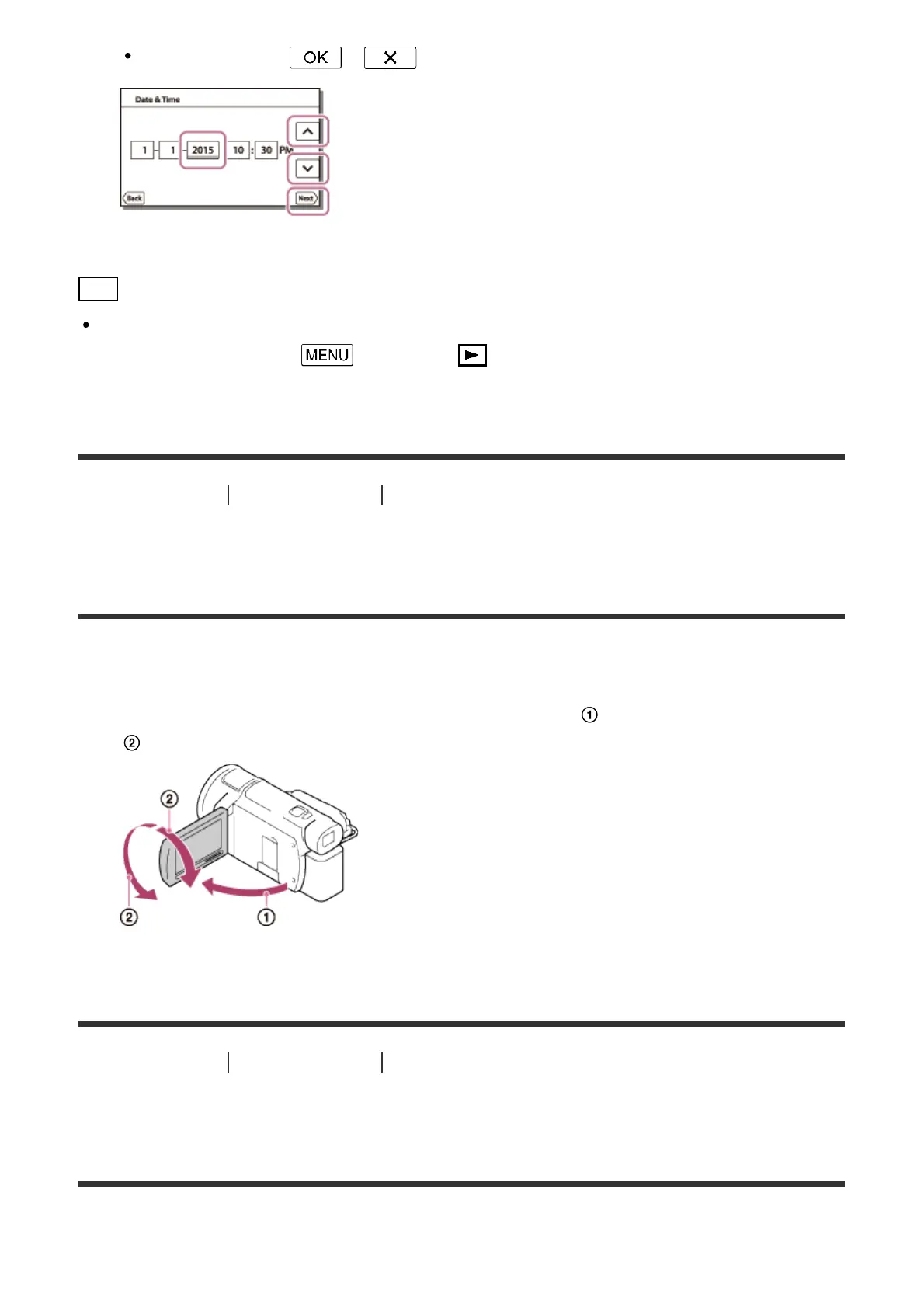
When you select - , the date and time setting operation is complete.
Hint
The date and time are recorded automatically and can be displayed only during playback.
To display them, select - [Setup] - [ Playback Settings] - [Data Code] -
[Date/Time].
[15] How to Use
Getting started Initial setup
Adjusting the angle of the LCD monitor for easier
viewing
You can adjust the angle of the LCD monitor for easier viewing.
1. First open the LCD monitor 90 degrees to this product ( ), and then adjust the angle (
).
[16] How to Use Getting started Initial setup
Adjusting the angle of the viewfinder for easier viewing
(models with the viewfinder)
You can adjust the angle of the viewfinder for easier viewing.



 To Next Page