to a computer.
1. - [Setup] - [ Playback Settings] - [Download Music].
[170] How to Use Menu operations Setup
Empty Music (Models with the USB IN/OUT jacks)
You can delete all music files stored on this product.
1. - [Setup] - [ Playback Settings] - [Empty Music].
[171] How to Use Menu operations Setup
TV Type
You need to convert the signal depending on the horizontal to vertical ratio of the TV
connected.
1. - [Setup] - [ Connection] - [TV Type] - desired setting.
Descriptions of menu items
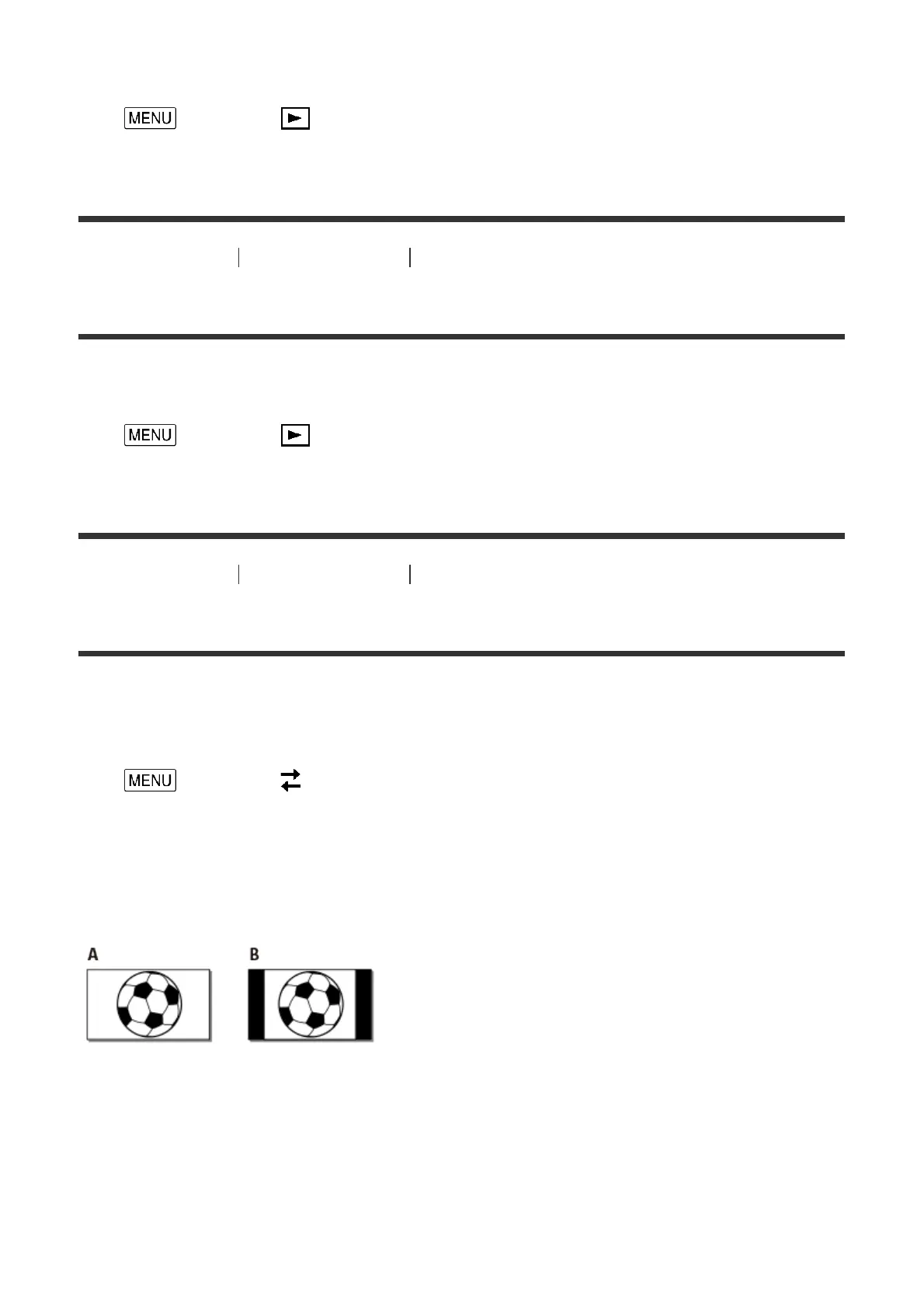
16:9 (default setting):
Select this to view your movies on a 16:9 (wide) TV.
A: Images recorded in 16:9 (wide) mode
B: Images recorded in 4:3 mode
4:3:
Select this to view your movies and photos on a 4:3 standard TV.



 To Next Page