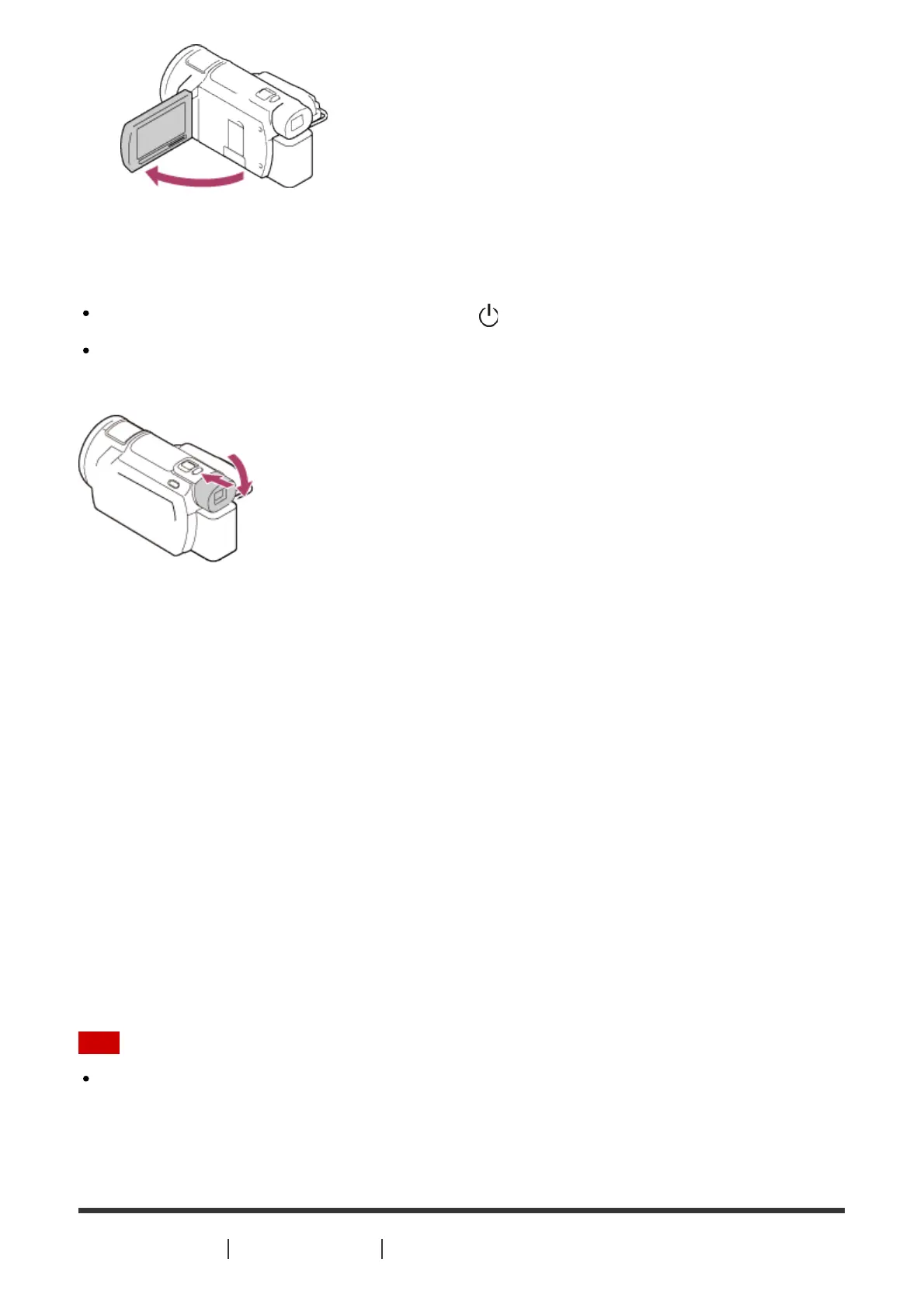
To turn off the power
Close the LCD monitor.
You can also turn off this product by pressing (ON/STANDBY) button.
If the viewfinder (models with the viewfinder) is pulled out, retract the viewfinder as shown
in the illustration below.
On turning this product on or off using the LCD monitor or the
viewfinder (models with the viewfinder)
The power of this product is turned on or off depending on the status of the LCD monitor or
the viewfinder.
LCD monitor: Open, Viewfinder: Retracted
Power On
LCD monitor: Open, Viewfinder: Pulled out
Power On
LCD monitor: Closed, Viewfinder: Retracted
Power Off
LCD monitor: Closed, Viewfinder: Pulled out
Power On
Note
Even if the LCD monitor is closed, if the viewfinder (models with the viewfinder) is pulled
out, this product is not turned off. When you turn off the power of this product, make sure
that the viewfinder (models with the viewfinder) is retracted to the original position.
[13] How to Use
Getting started Power source preparations



 To Next Page