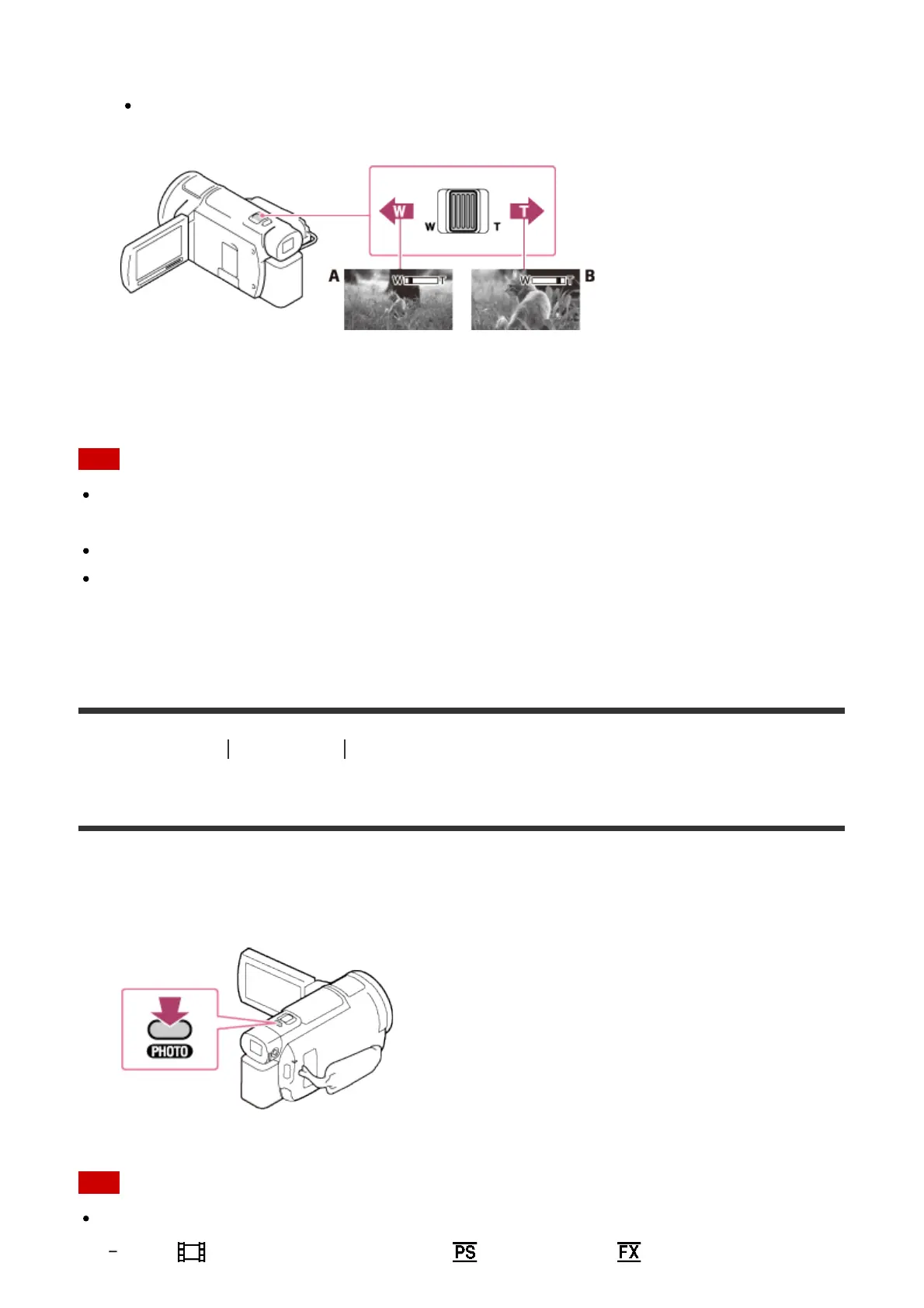
Close view (Telephoto)
Move the power zoom lever slightly for a slower zoom. Move it further for a faster
zoom.
A: Wide angle
B: Telephoto
Note
Be sure to keep your finger on the power zoom lever. If you move your finger off the
power zoom lever, the operation sound of the power zoom lever may also be recorded.
You cannot change the zoom speed with the W/T button on the LCD monitor.
The minimum possible distance between this product and subject while maintaining sharp
focus is about 1 cm (about 13/32 in.) for wide angle and about 80 cm (about 31 1/2 in.) for
telephoto.
[25] How to Use
Recording Useful functions for recording
Capturing photos during movie recording (Dual Capture)
You can shoot photos during movie recording.
1. Press PHOTO during movie recording to capture still photos.
Note
You cannot capture photos during movie recording in the following situation(s):
When [ REC Mode] is set to 60p Quality ], [Highest Quality ].



 To Next Page