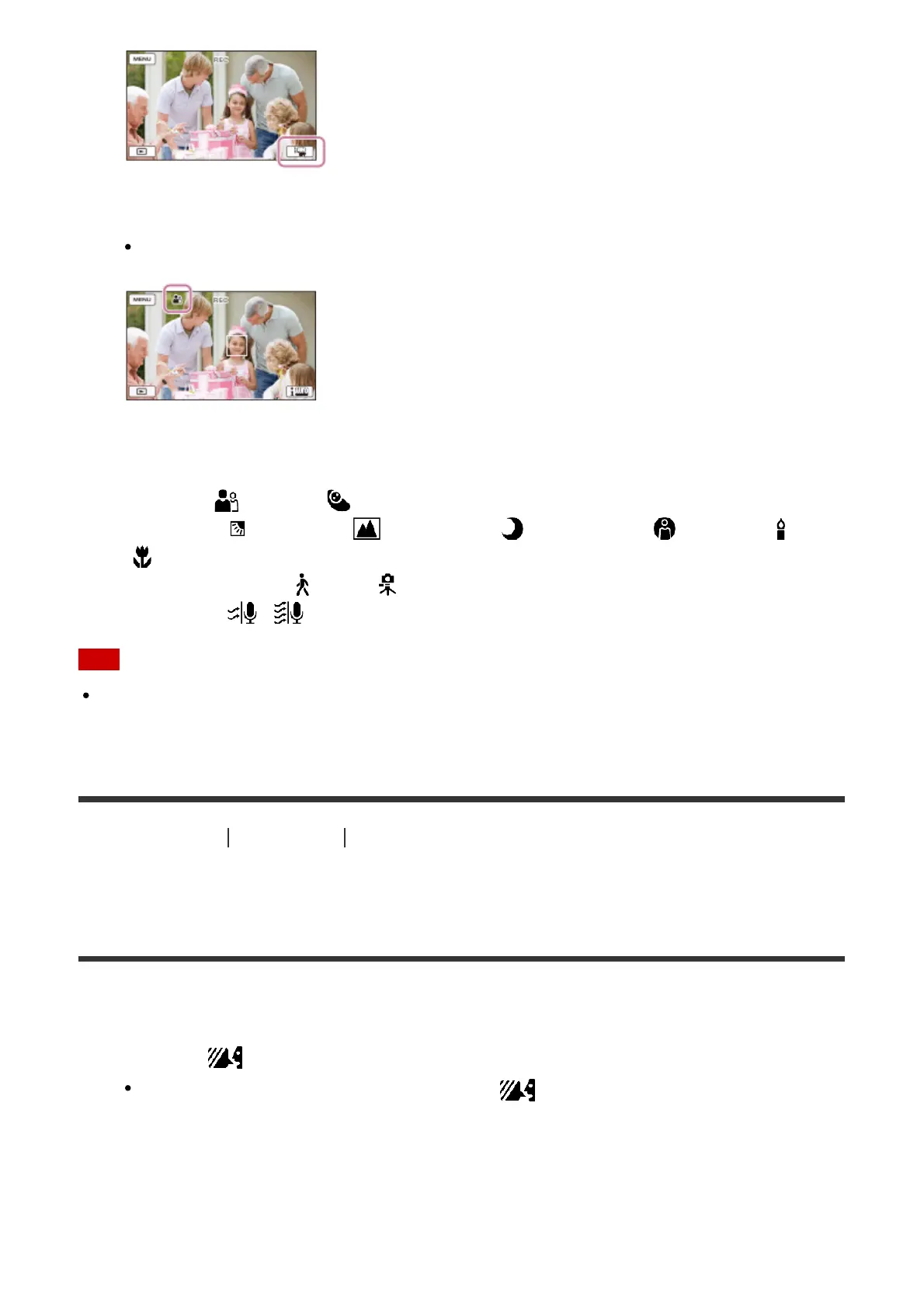
2. Point this product toward the subject and start recording.
The icons that correspond to the conditions detected are displayed.
About the detectable scenes
Face detection: (Portrait), (Baby)
Scene detection: (Backlight), (Landscape), (Night Scene), (Spotlight), (Low
light), (Macro)
Camera-shake detection: (Walk), (Tripod)
Sound detection: , (Auto Wind NR)
Note
This product may not detect the expected scene or subject, depending on the recording
conditions.
[28] How to Use
Recording Useful functions for recording
Decreasing the voice volume of the person recording the
movie (My Voice Canceling)
You can record movies decreasing the voice volume of the person recording the movie.
1. Press the button.
When [My Voice Canceling] is set to [On], is displayed.



 To Next Page