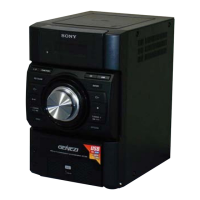
HCD-EC709iP/EC909iP
10
2-8. FRONT PANEL BLOCK
2-9. KNOB (VOL)
Note: This illustration sees the front panel block from PANEL board side.
9
front panel block
1 flexible flat cable (25 core)
(CN603)
2 flexible flat cable (5 core)
(CN102)
6 connector (CN103)
4 filament
tape
3 Remove clamping.
5 sheet
7 two screws (BVTP3 u 10)
8 claw
8 claw
– Side view – – Top view –
clamp (L35)
clamp (L35)
filament tape
filament tape
sheet
$UUDQJHPHQWRIOHDGZLUH
Note 1: Confirm it is unquestionable for
the open/close of the iPod dock
after the lead wire is processed.
Note 2: Confirm the lead wire in
this part does not stretch.
2
knob (VOL)
hole
1
Push the knob (VOL) by flat-head screwdriver.
front panel block
PANEL board



 To Next Page