6
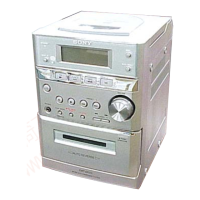
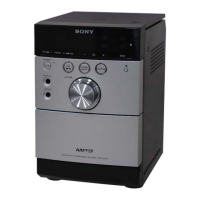
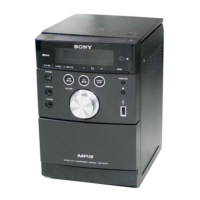
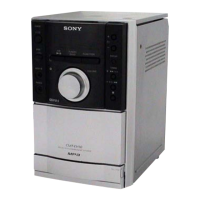
HCD-EP303
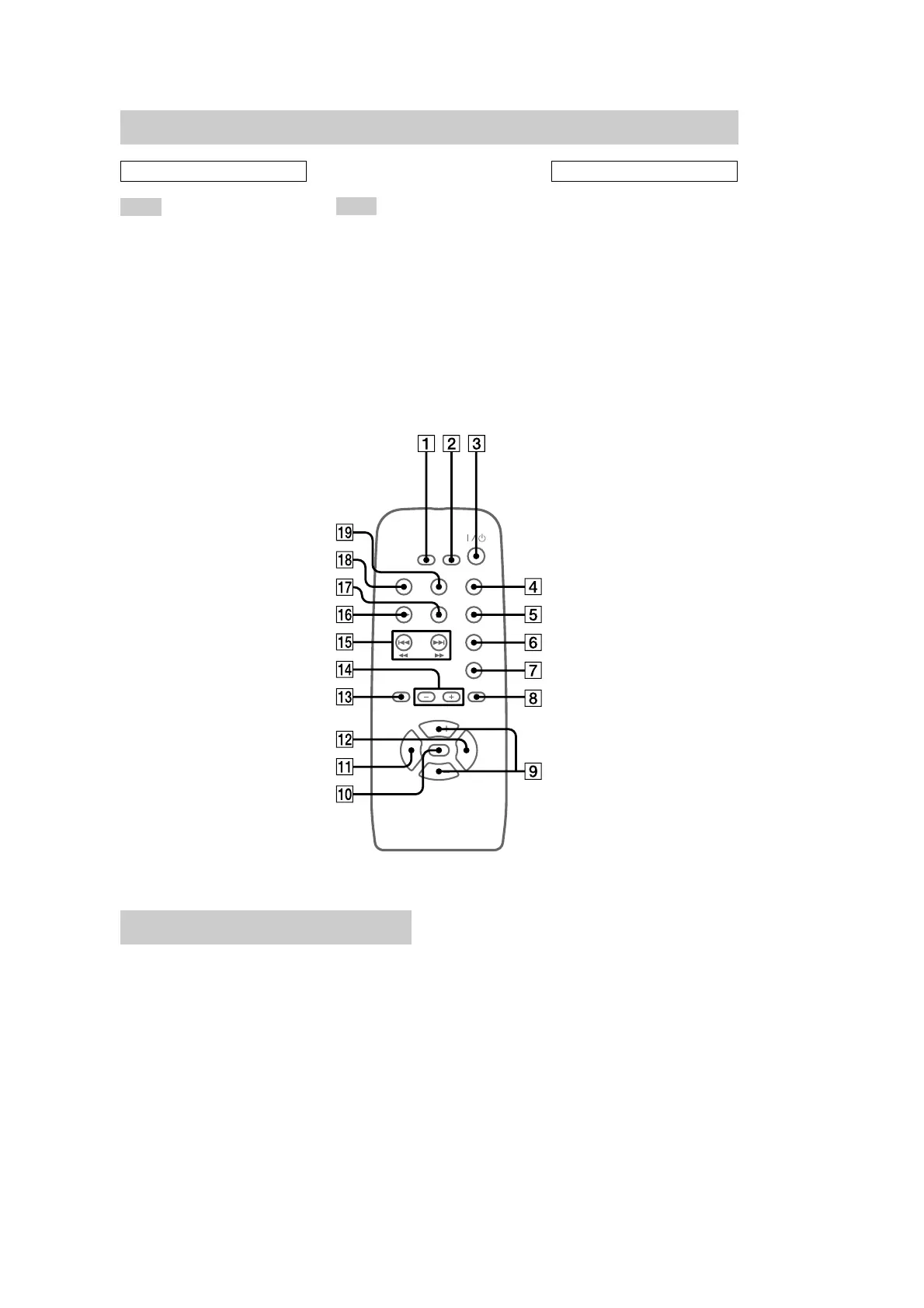
Setting the clock
1 Turn on the system.
2 Press CLOCK/TIMER/SLEEP SET on
the remote.
3 Press CLOCK/TIMER + or – on the
remote repeatedly to set the clock.
4 Press TUNER MEM/ENTER/PGM on the
remote.
The clock starts working.
To adjust the clock
Perform from step 2.
Note
The clock settings are canceled when you disconnect
the power cord or if a power failure occurs.
Remote control
ALPHABETICAL ORDER
A – P
CD/REMAIN (7, 8, 9, 13, 15,
16)
CLOCK/TIMER + (7, 14, 15)
CLOCK/TIMER – (7, 14, 15)
CLOCK/TIMER/SLEEP SET
(7, 14, 15)
MEGA BASS (14)
MUSIC MENU (14)
MUTING (14)
PRESET +/– (10, 11)
R – Z
REPEAT (8)
SHUFFLE (8)
TAPE (12)
TIMER ON/OFF (15)
TUNER/BAND (10, 11, 13)
TUNER MEM/ENTER/PGM
(7, 9, 10, 14, 15)
TUNING + (10, 11)
TUNING – (10, 11)
VOL (volume) +/–
BUTTON DESCRIPTIONS
m (rewind) M (fast forward)
qg (8)
. (go back) > (go forward)
qg (8, 9)
u (play/pause) qh (8, 9)
@/1 (power) 3 (6)
x (stop) qj (8, 9, 12)
ql
8
qd
1
qs
qa
q;
qf
6
5
qk
2
4
8
qd
9
7


 To Next Page