12
3. Mode: Playback
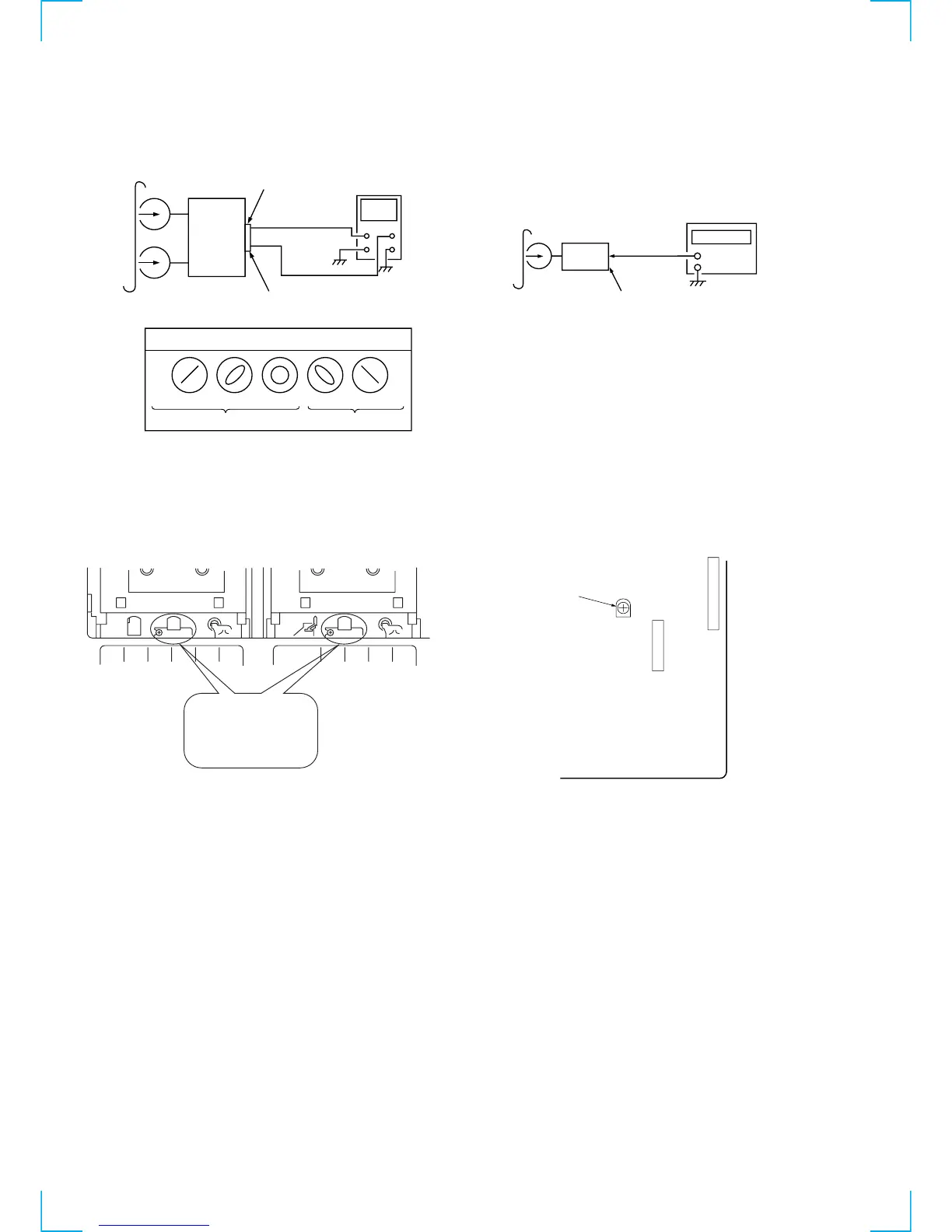
4. After the adjustments, apply suitable locking compound to the
parts adjusted.
Adjustment Location:
Remove the cassette lid before adjustment (See page 9)
Tape Speed Adjustment (Deck A)
Procedure:
1. Mode: Playback
2. Adjust the SFR501 so that the frequency counter reads 3,000
Hz ± 90Hz.
Adjustment Location: MAIN board
Sample Value of Wow and flutter
W. RMS (JIS) within 0.3%
(test tape: WS-48B)
[MAIN BOARD] — Component side —
test tape
P-4-A100
(10kHz, –10dB)
SPEAKER
terminal (JK401)
(L-CH)
SPEAKER
terminal (JK401)
(R-CH)
oscilloscop


 To Next Page