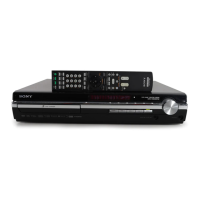
HCD-HDX285/HDX287WC/HDX585/HDX587WC/HDX589W/HDX685/HDX686W
7
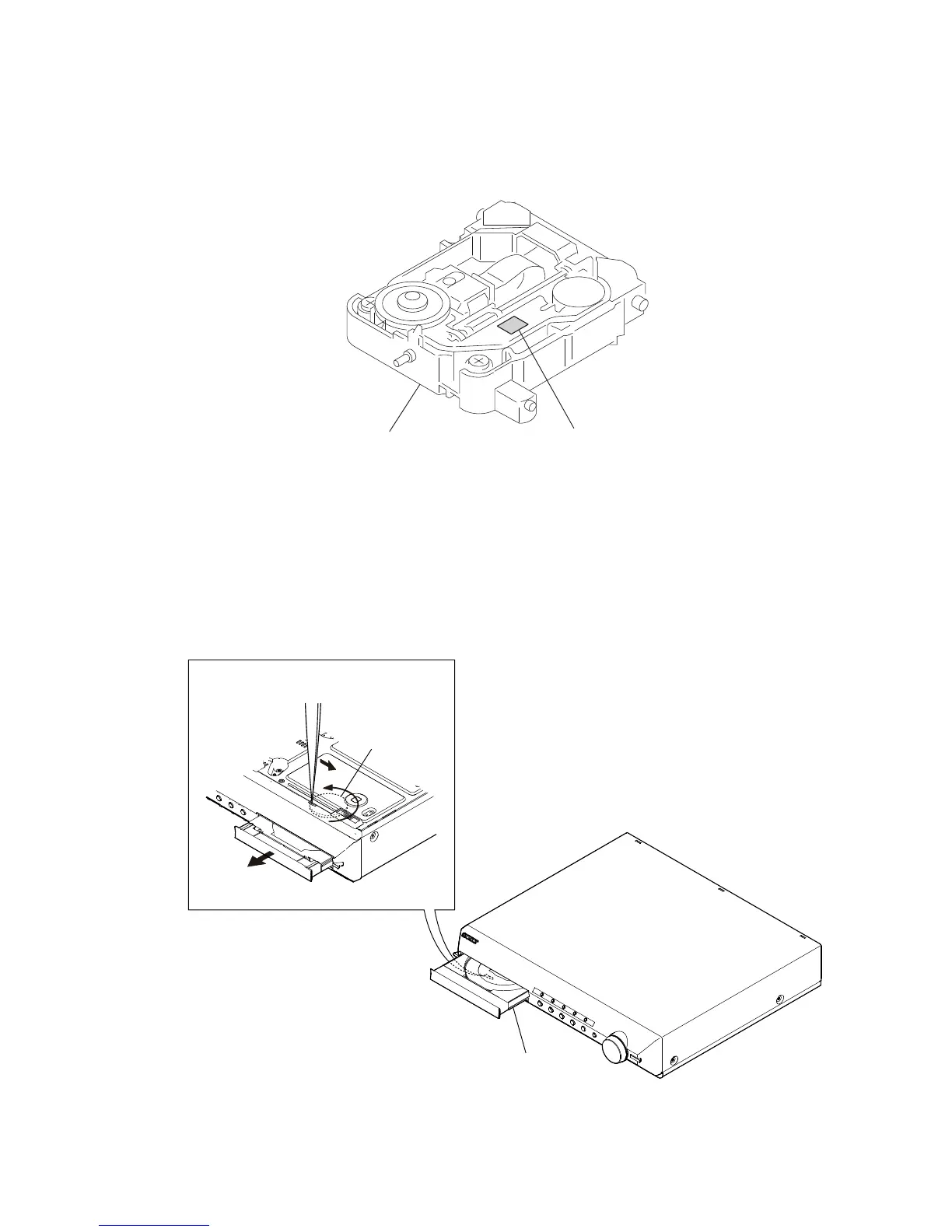
HOW TO IDENTIFY OPTICAL PICK-UP BLOCK
Printed of KHM-310CAB or KHM-313CAB.
OPTICAL PICK-UP BLOCK
Note: There are two kinds of OPTICAL PICK-UP BLOCK in this set.
When replacing the OPTICAL PICK-UP BLOCK, make sure which
OPTICAL PICK-UP BLOCK it is following the “How to Identify”
in the figure shown below.
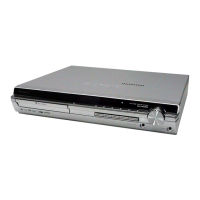
HOW TO OPEN THE TRAY WHEN POWER SWITCH TURN OFF
Turn gear (BU1) from a hole at the bottom,
and pull out a tray.
gear (BU1)
tray
– bottom view –


 To Next Page