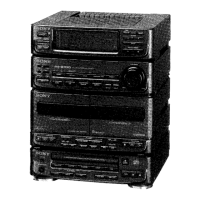
HCD-S20
HCD-S20
1515
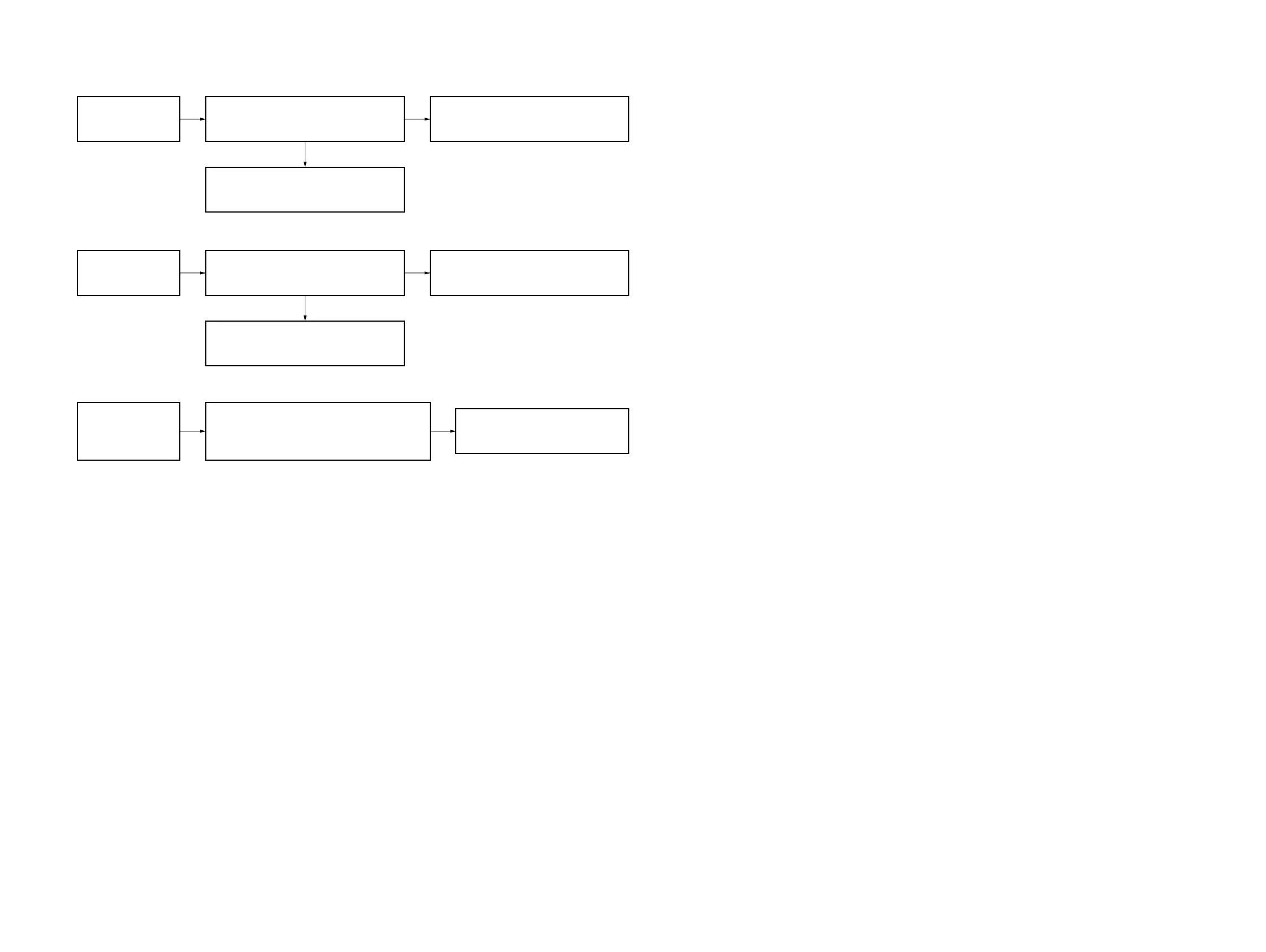
2. Flow When “OVER CURRENT” is Displayed
“OVER CURRENT” is
displayed on the VFD.
Disconnect the USB board and check if the
display persists.
Exchange the MAIN board.
OK
NG
Exchange the USB board.
3. Flow When “PROTECT” is Displayed
“PROTECT” is
displayed on the VFD.
Check the if the voltage at pin 1 of CON2 on
the POWER board is +12V.
Exchange the MAIN board.
OK
NG
Exchange the POWER board.
4. Flow When “LOCKED” is Displayed
“LOCKED” is displayed
on the VFD when
[OPEN/CLOSE] button
is pressed.
Hold down [STOP] button of remote commander and
[OPEN/CLOSE] button of main unit for 5 seconds.
And the check if “UNLOCKED” is displayed on the
VFD.
NG
Exchange the POWER board.


 To Next Page