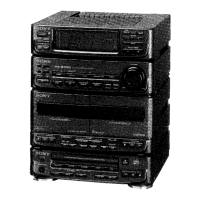
HCD-S20
8
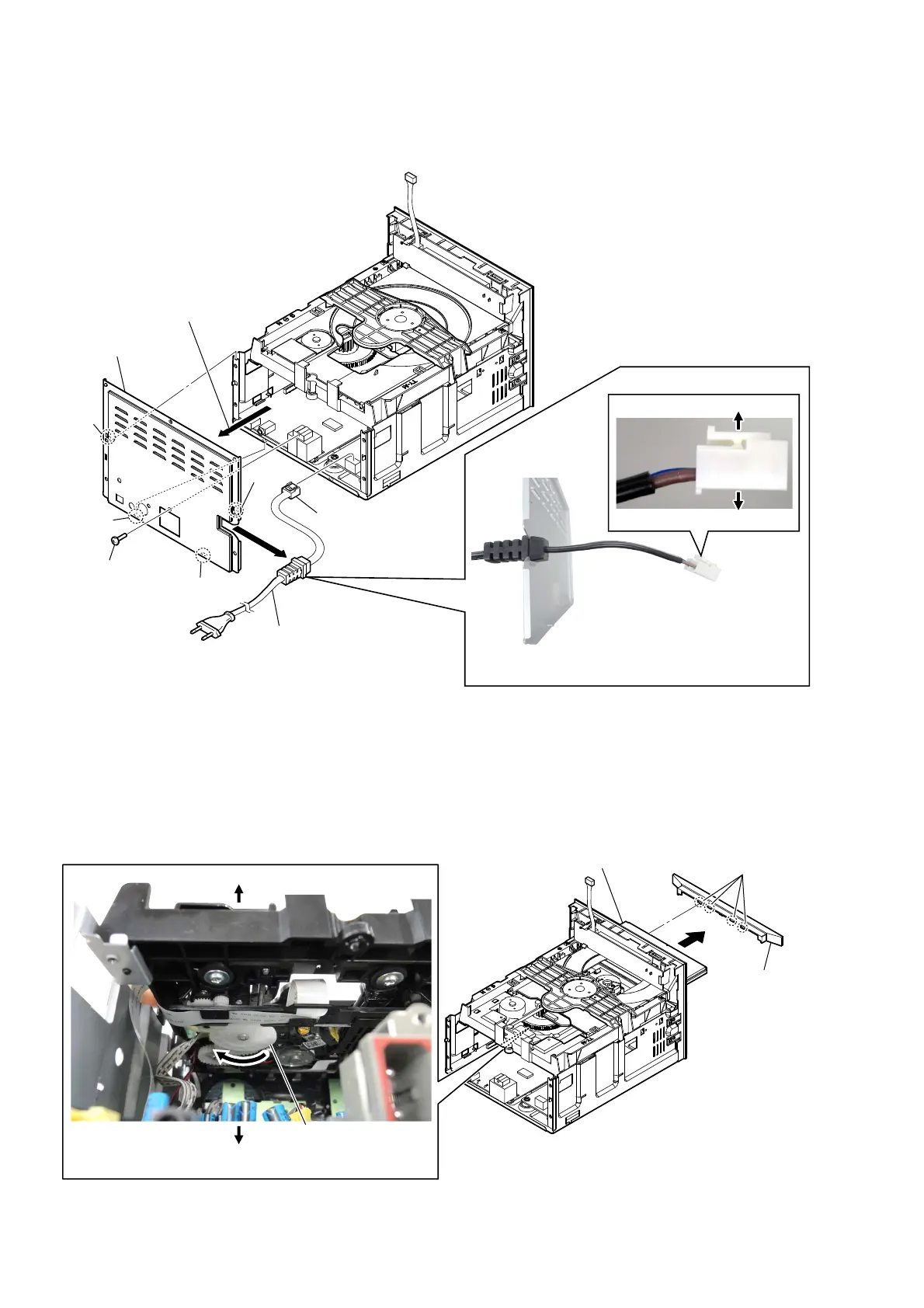
2-3. POWER CORD (AC1), REAR PANEL
2-4. CD DOOR (S20)
2 claw
2 claw
2 claw
6 rear panel
2 claw
1 screw (3)
3RZHUFRUGVHWWLQJ
–5HDUSDQHOEORFNOHIWYLHZ–
3 Remove the rear panel block
in the direction of an arrow.
bottom side
4 power cord connector
(CN503)
5 power cord
(AC1)
–5HDUYLHZ–
top side
Note:
When installing the power cord (AC1),
Check the direction of connector.
3 four claws
4 CD door (S20)
2 Pull out the disc tray.
1 Turn the traverse gear in
the direction of an arrow.
bottom side
top side
– Rear view –
– Rear view –


 To Next Page