17
GB
Getting Started
To connect the speakers
correctly
Check the speaker type by referring to the
speaker label* on the rear panel of the
speakers.
*The center speaker and subwoofers do not have any
character on the speaker label. For details on the
speaker type, see page 3.
To connect the subwoofers
correctly
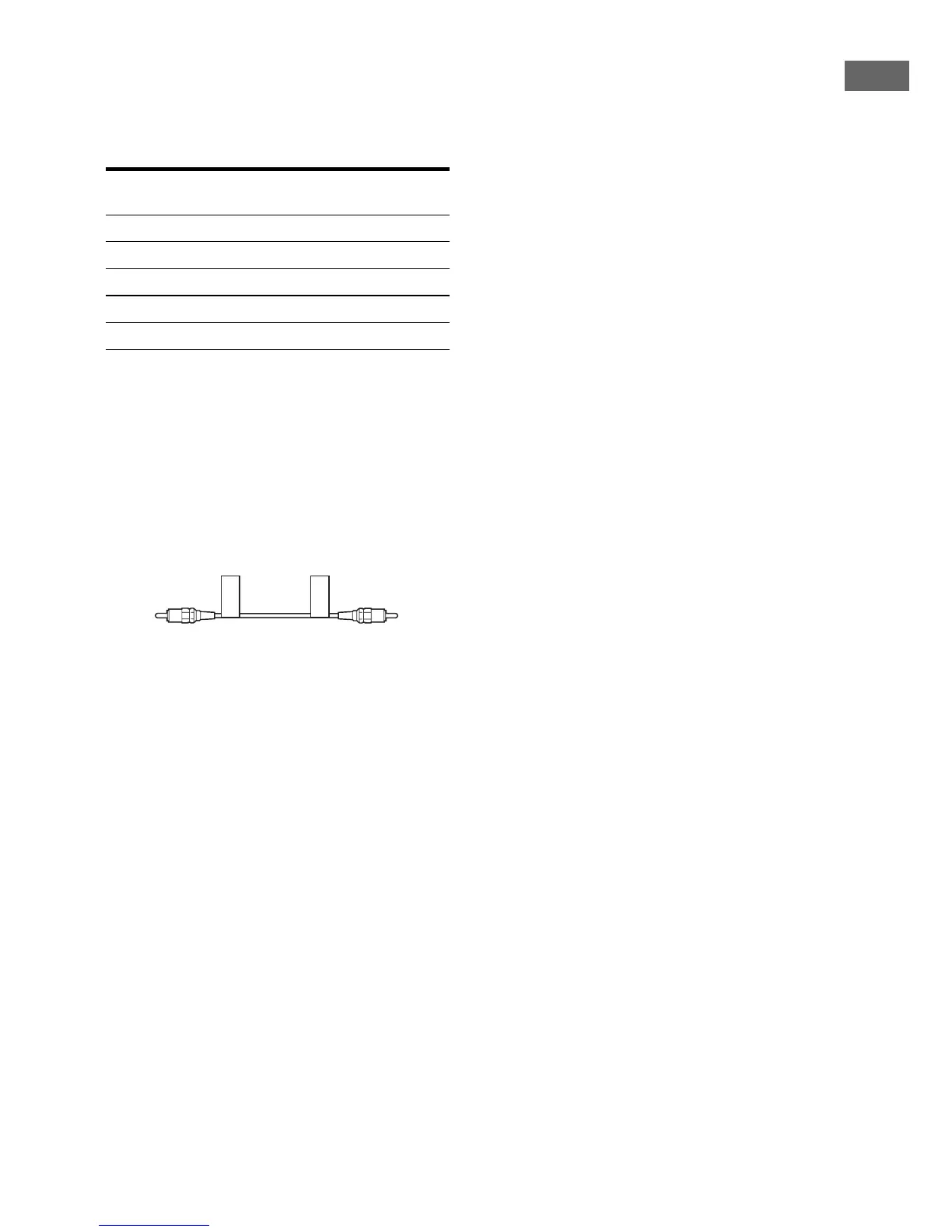
1 Attach the supplied “SW-L” labels to the
supplied monaural audio cord as shown
below.
Repeat the procedure above for the other
supplied monaural audio cord using the
“SW-R” labels.
2 Connect the monaural audio cord attached
with the “SW-L” labels (and “SW-R” labels)
to the subwoofer placed at left (and right)
and to the SUBWOOFER L jack (and
SUBWOOFER R jack) on the receiver.
Tip
Use the supplied speakers to optimize the system’s
performance.
Character on
speaker label
Speaker type
L Front left
R Front right
SL Surround left
SR Surround right
SB Surround back
SW-L
SW-L



 To Next Page