28
GB
6: Preparing the receiver
and the remote
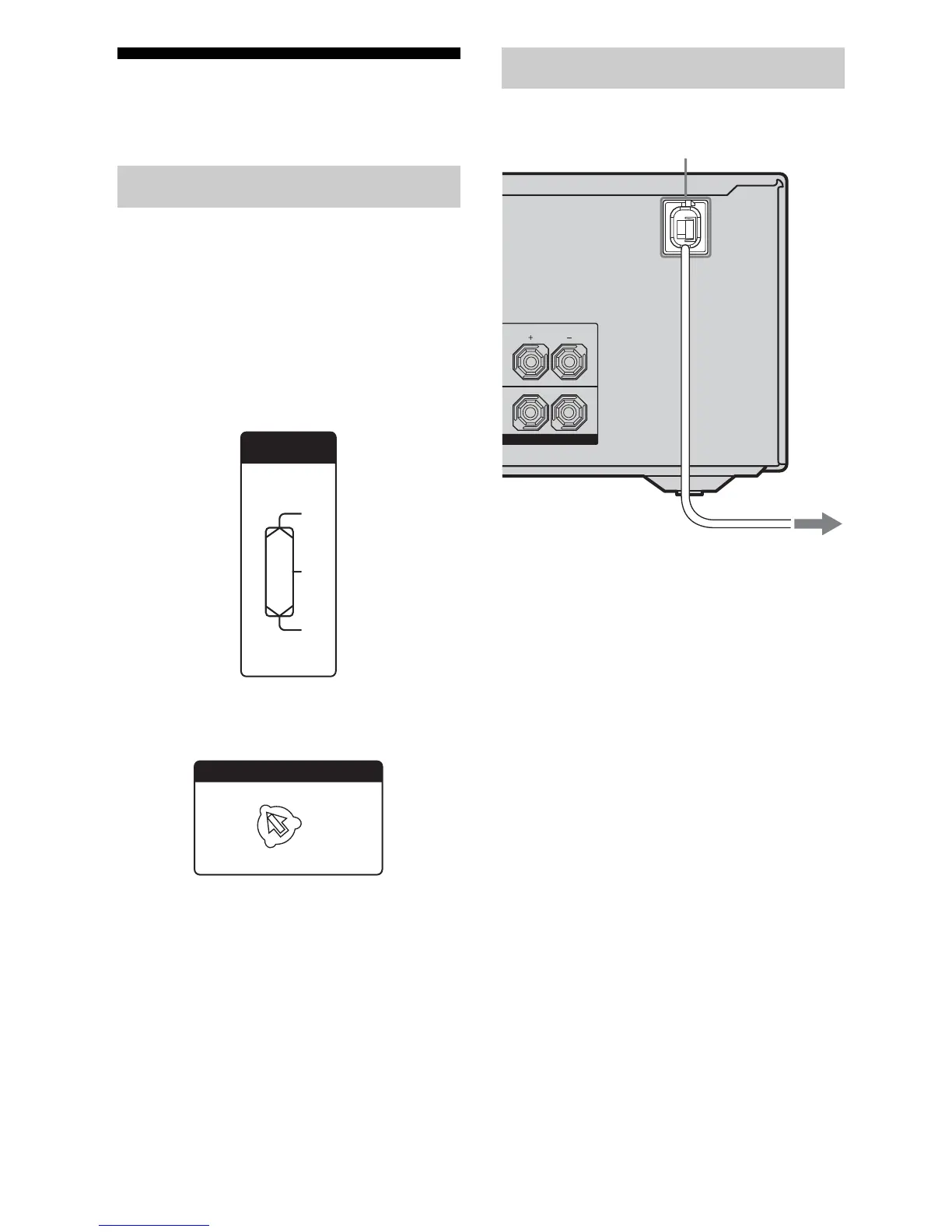
If your receiver and subwoofer has a voltage
selector on the rear panel, check that the
voltage selector is set to the local power supply
voltage. If not, use a screwdriver to set the
selector to the correct position before
connecting the AC power cord to a wall outlet.
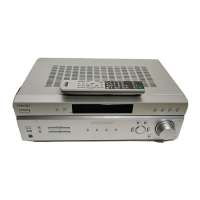
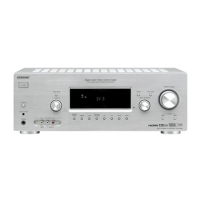
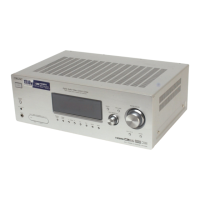
Receiver
Subwoofer
Connect the AC power cord to a wall outlet.
Setting the voltage selector
VOLTAGE
SELECTOR
240V
220V
120V
VOLTAGE SELECTOR
220V
240V
120V
Connecting the AC power cord
FRONT
L
R
AC power cord
To the wall outlet



 To Next Page