53
GB
Enjoying Surround Sound
Using only the front
speakers and subwoofers
(2CH + STEREO SUBWOOFER)
To enjoy a better sound quality from the front
left/right speakers and left/right subwoofers,
place your speakers and subwoofers as shown
on page 14.
In this mode, multi channel surround sources
are downmixed to 2 channels. When standard
2 channel stereo sources are input, the
receiver’s bass redirection circuitry will be
activated. The front bass frequencies will be
also output from the stereo subwoofer.
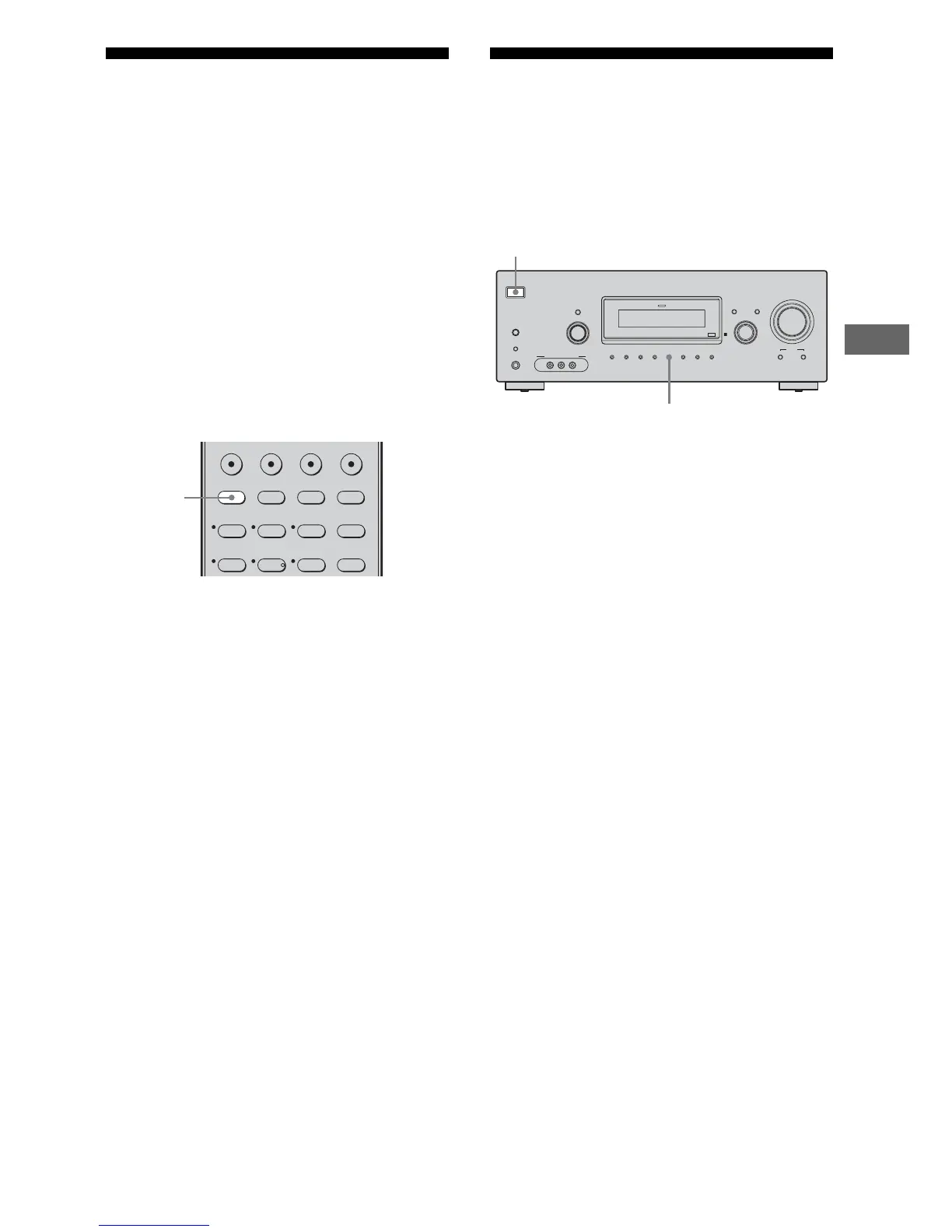
Press 2CH.
“2CH + STEREO SUBWOOFER” will scroll
accross the display, then “2CH ST.” appears.
Note
When you select a sound field other than “2CH ST.”,
you can only hear the monaural bass sound from the
subwoofers.
Resetting sound fields to
the initial settings
Be sure to use the buttons on the receiver for
this operation.
1 Press ?/1 to turn off the power.
2 While holding down 2CH, press
?/1.
“S.F. CLR.” appears on the display and
all sound fields are reset to their initial
setting.
123
46
2CH A.F.D. MOVIE MUSIC
DVD/BD
MENU
AUTO CAL
SAT TV SA-CD/CD TUNER
5
2CH
?/1
AUTO CAL MIC
AUTO CAL
TUNING MODE
TUNING
– +
PHONES
MEMORY/
ENTER
SLEEPDIMMER
MULTI CHANNEL DECODING
SUR BACK
DECODING
2CH A.F.D. MOVIE MUSIC
MODE SPEED
X-ROUND
DISPLAY INPUT MODE
INPUT SELECTOR
MASTER VOLUME
VIDEO 2 IN/PORTABLE AV IN
VIDEO L AUDIO R
1,2
2



 To Next Page